Write
Start from a novel chapter, short script, or scene pack. The source post frames the whole thing around one simple rule: do not jump into generation before the story skeleton exists.
 OmniFit
Blog
OmniFit
Blog
If you want to turn one fiction idea into a fast AI video format, this workflow is a good one to copy: build the story spine first, pick the right production mode, then let each tool do one job instead of asking one model to invent the whole show.
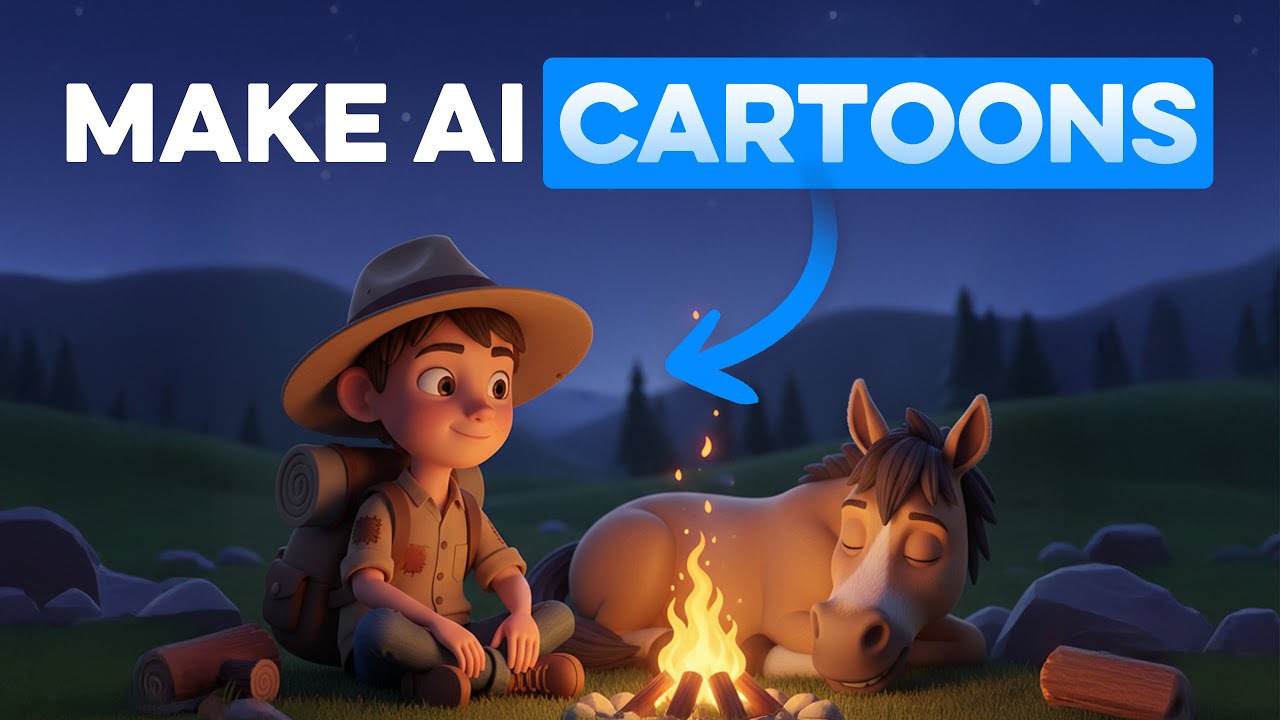
Start from a novel chapter, short script, or scene pack. The source post frames the whole thing around one simple rule: do not jump into generation before the story skeleton exists.
Break the job into script, character setup, stills, motion, and voice. It is much easier to keep tone and pacing stable when every step has a clear owner.
Short clips are for testing. Series mode is for volume. Either way, the publish step comes last — after your episode structure is already clean.
The source note splits AI comic-drama creation into two lanes. That is the useful part to keep. A lot of creators waste time because they try to use one messy workflow for both a 45-second test and a multi-episode story.
Use this when you want a 30-second to 2-minute proof of concept, a trailer-like scene, or a fast social test.
Use this when you already have a full story and need cleaner chapter handling, batch output, and repeatable episode packaging.
The source post starts from fiction material: a novel, a script, or a story seed. Keep that logic. Before you touch image or video tools, decide the episode goal, main character, scene count, and ending beat.


One of the source slides treats AI as a production line: novel to script, script to visual assets, then into voiced output. The practical English version is simple: write a shot list with one camera idea and one action per shot.
The workflow gets much easier when you stop treating audio as an afterthought. Generate or refine the visual clips first, then layer narration, dialogue, or character voice with a dedicated voice tool.

The long-form mode in the source note is the real differentiator. Once you move beyond a one-off clip, you need chapter labels, reusable character prompts, and batch-friendly shot groups. That is how a series stays coherent.
The source note is basically right about one thing: AI comic-drama work gets easier when you think like a small studio instead of a solo prompt gambler. Write first. Choose the mode. Split the jobs. Then publish.
Trailers, episodic story tests, serialized shorts.
Trying to create a whole episode with one oversized prompt.
ChatGPT + OpenArt/Kling + ElevenLabs + your editor.
Each tool has one clear job, so the workflow stays editable.