Use it when the story is still fuzzy
A storyboard turns a loose concept into visible beats: who appears first, what the camera sees, and how the scene progresses.
If you need a visual pitch fast, do not jump straight into full video generation. Draft the scene order, ask for rough black-and-white frames, then clean the keepers in Figma or Photoshop.
The original note from Chu Yue is useful because it solves a real creator problem: sometimes you do not need a polished clip yet. You need a sequence of frames that makes your idea legible right now. For AI video makers, that means fewer blind prompts and less wasted generation time later.
A storyboard turns a loose concept into visible beats: who appears first, what the camera sees, and how the scene progresses.
It is cheaper to reject rough frames than to discover a broken sequence after a full AI video generation pass.
Clients, teammates, or bosses often react better to six readable frames than to a wall of prompt text.
Keep the source logic simple: write the scene sequence, ask for rough storyboard frames, push for more matching variations, then tidy the selected frames into something presentation-ready.
Do not prompt with vibes only. Start with a scene list that names the people, location, and order of events.
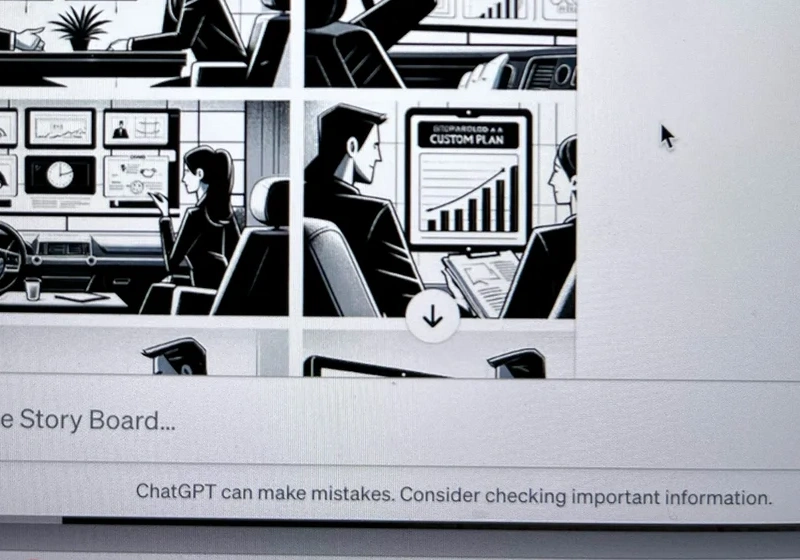
Chu Yue's source note uses a simple hand-drawn, line-art look. That is smart because rough boards are easier to control and easier to scan than full polished images.
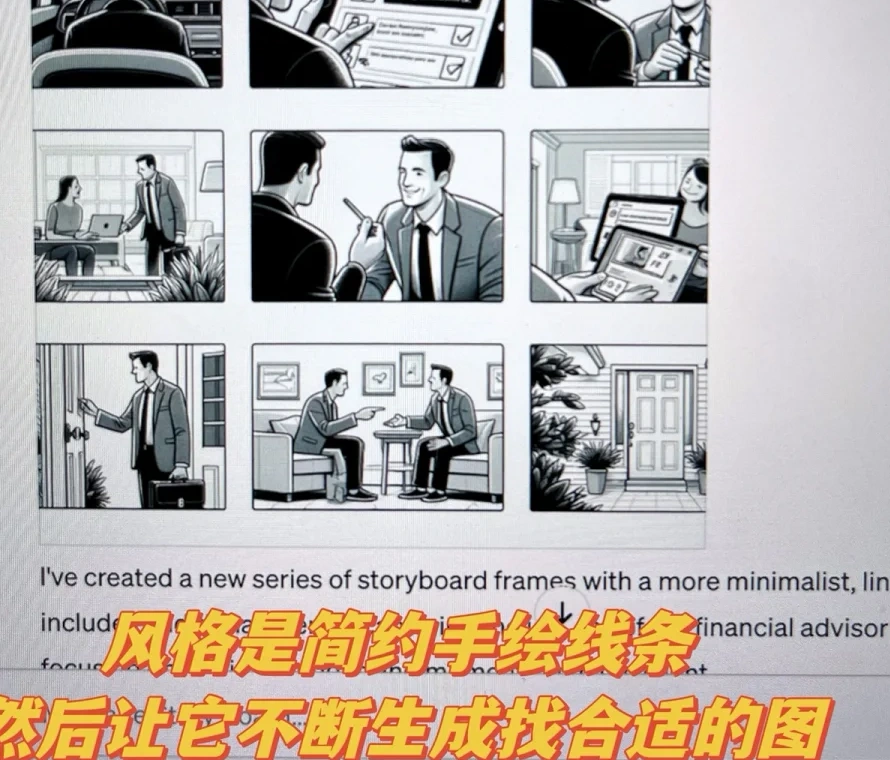
The source comments are honest about the biggest limitation: character continuity is shaky. The practical fix is not to pretend it is solved. Generate more, keep the frames that already look related, and refine from there.
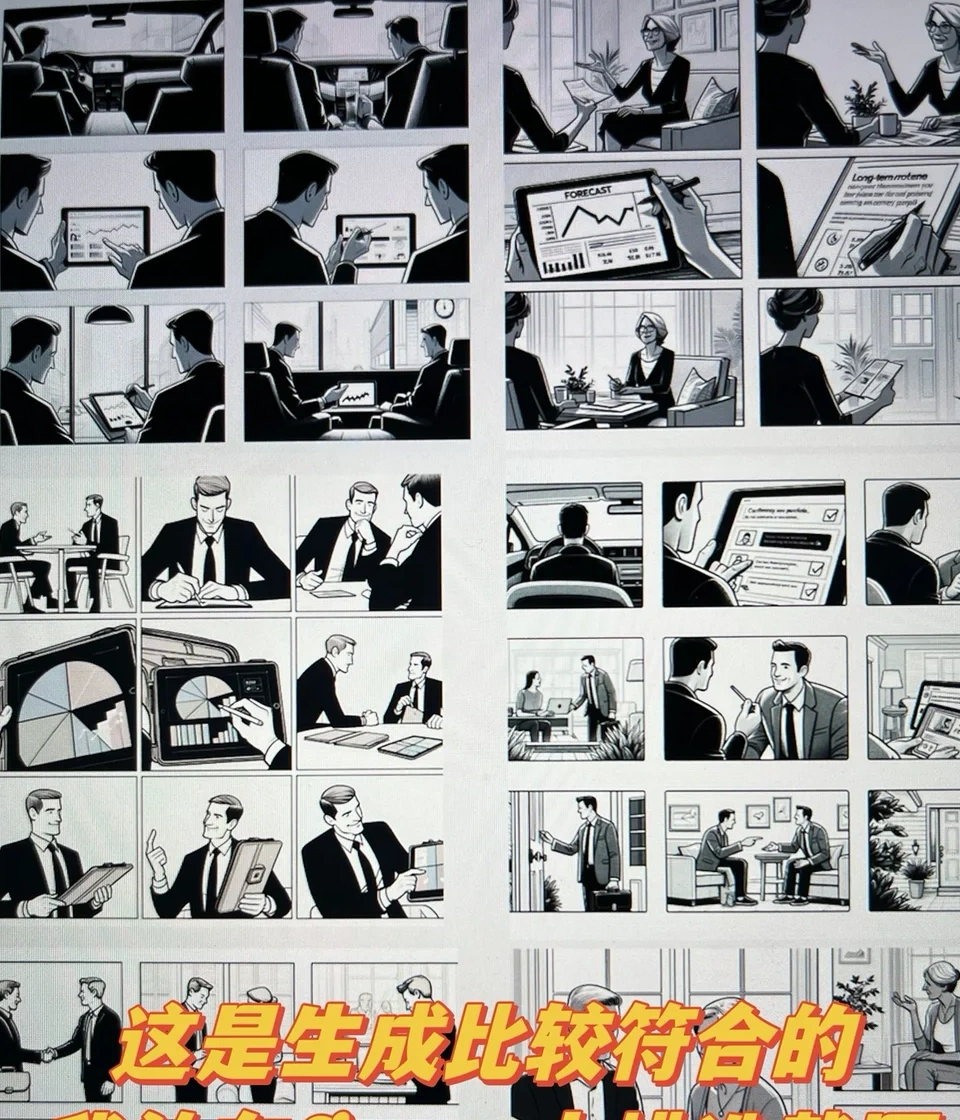
The original note ends with a practical polish step: darken the frames, add borders, and turn raw outputs into a readable presentation asset.
This tutorial is worth the slot because it matches the same teaching point as the source note: use ChatGPT to build the board, then move into a design tool to make the result usable.
This workflow works because each tool only has one job. Keep it that way.
Turn a written sequence into rough storyboard frames. The goal is structure, not final beauty.
Use a scene outline so the model knows the order, people, and setting from frame to frame.
Unify contrast, add borders, fix spacing, and export one clean board that other humans can read fast.
The source comments call this out directly. If the same character keeps mutating, narrow the style, keep the framing simple, and choose the best matching set instead of forcing one magic prompt.
If you start with cinematic beauty instead of readable beats, you can end up with lovely images that still do not tell the story in order.
When your AI video plan feels vague, storyboard it before you animate it. A rough six-frame board often saves more time than a prettier prompt ever will.