50 AI video motion prompts that make static shots feel cinematic
If your AI clips look clean but still feel flat, the problem is usually not the subject. It is the camera language. This prompt bank turns one strong still into follow shots, push-ins, orbit moves, POV moments, and faster rhythm without making the motion feel random.
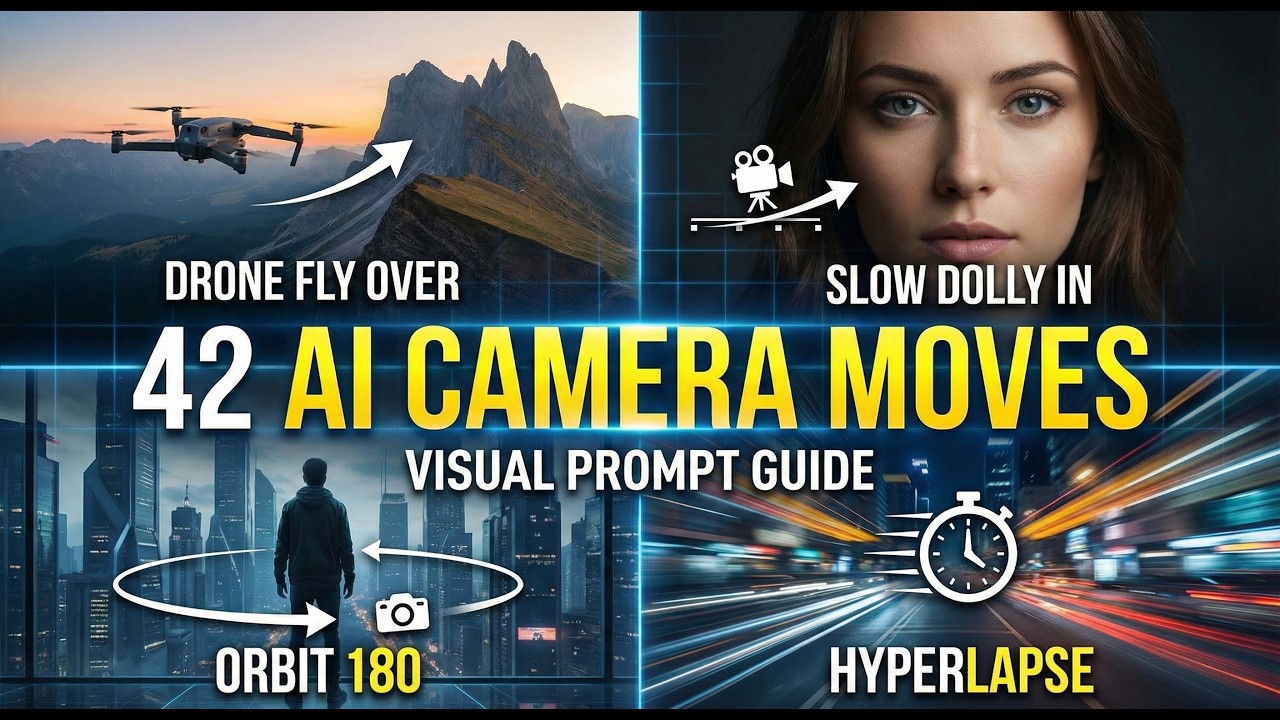
The source note organizes motion into reusable families, so you can pick the move that fits the clip instead of guessing every time.
When the image is already working, motion prompts are usually the fastest way to add mood, pace, and perspective.
Follow shots and push-ins are easier to control. Orbit, POV, and speed combos are better when you want stronger style.
Use one type for emotion, another for scale, another for immersion. The model behaves better when the move has a clear purpose.
Seven motion families, one simple decision rule
Huajian AI’s original note groups the 50 prompts into seven buckets. That structure is what makes the source useful: you do not need to memorize every line. You just need to know which family fits the shot you are building.
- Follow shots for vlogs, walk-and-talk scenes, and character-led clips.
- Push and pull moves for emphasis, emotion, and reveal timing.
- Orbit shots for atmosphere, romance, and scene transitions.
- Rise and drop angles for scale, space, and stronger openings.
- Transition passes for dream logic, portals, and fantasy edits.
- POV and extreme views for immersion and more unusual framing.
- Fast-action combos for rhythmic edits, music energy, and stronger momentum.
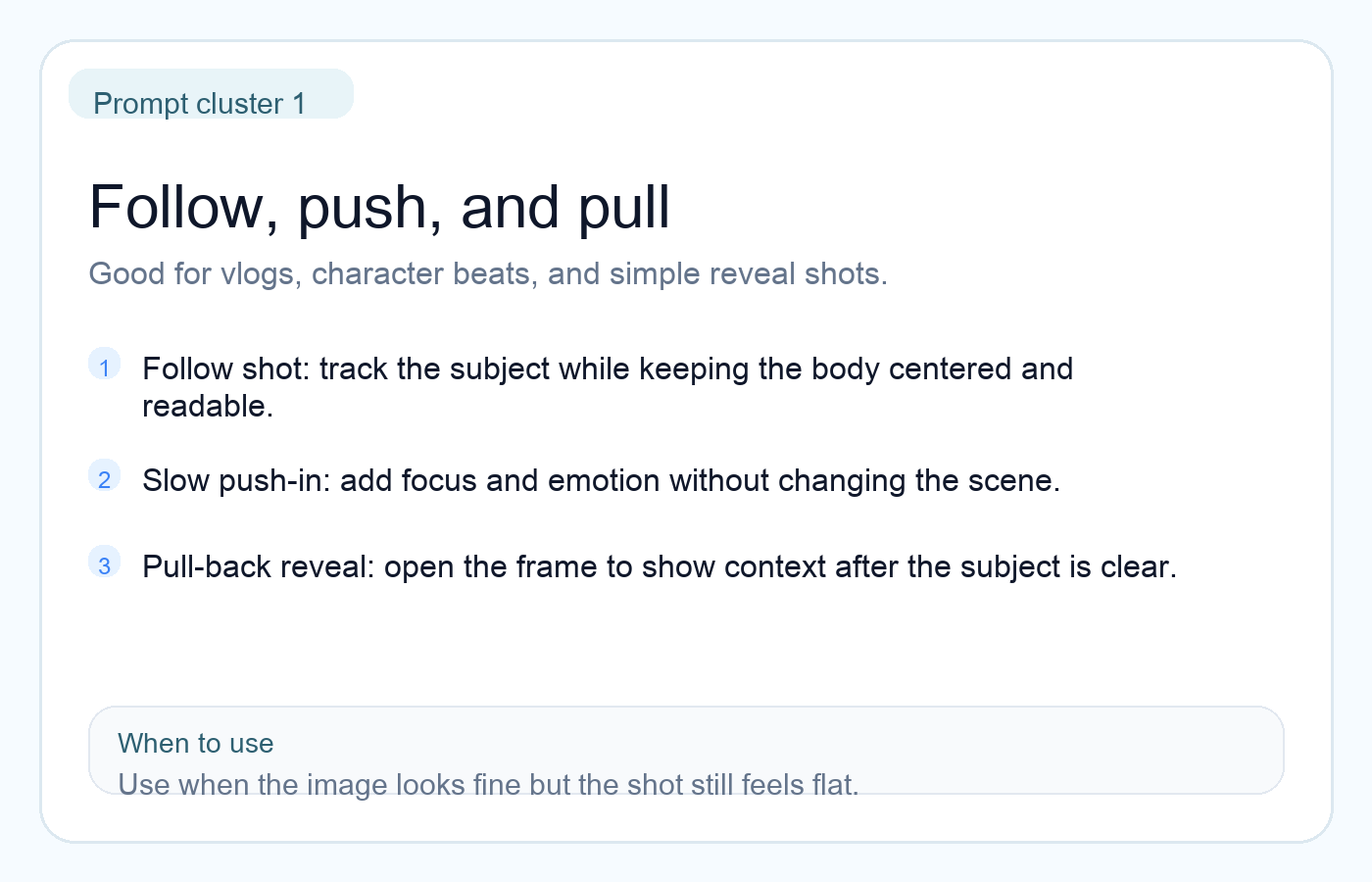
Follow, push, and pull
This is the easiest place to start. It works when the subject is already strong and you only need the frame to feel more intentional.
- Use a follow shot when the subject is moving and you want clarity first.
- Use a slow push-in when the emotional beat matters more than speed.
- Use a pull-back reveal when you want to show the world after locking the viewer on the subject.
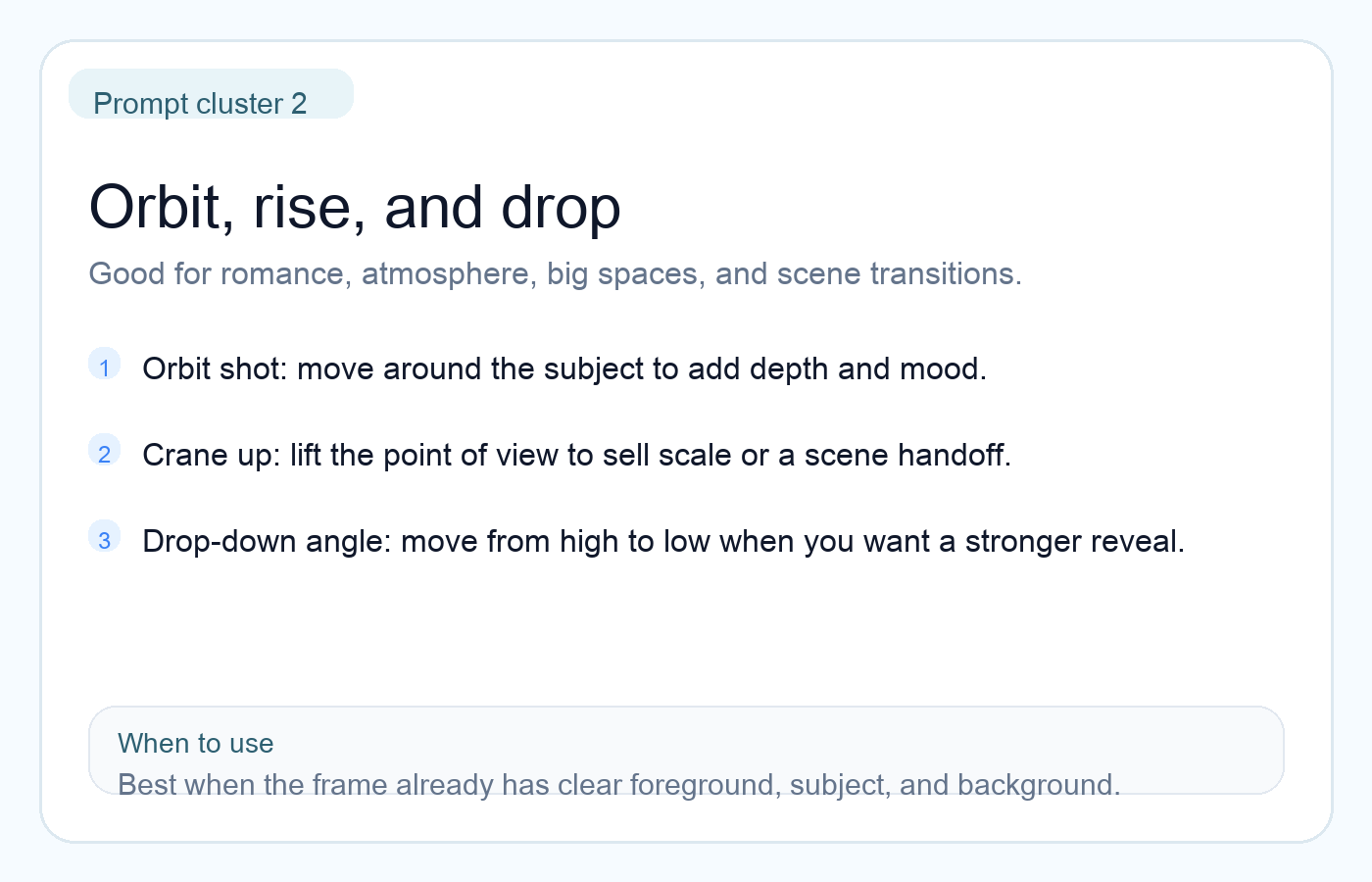
Orbit, rise, and drop
These prompts are good when you want more than plain movement. They add depth, scale, or atmosphere, especially when the still already has strong layers.
- Orbit is great for mood, romance, and cinematic scene shifts.
- Crane up helps sell larger spaces and cleaner transitions.
- Drop-down or low-angle moves make reveals feel stronger without adding too much chaos.
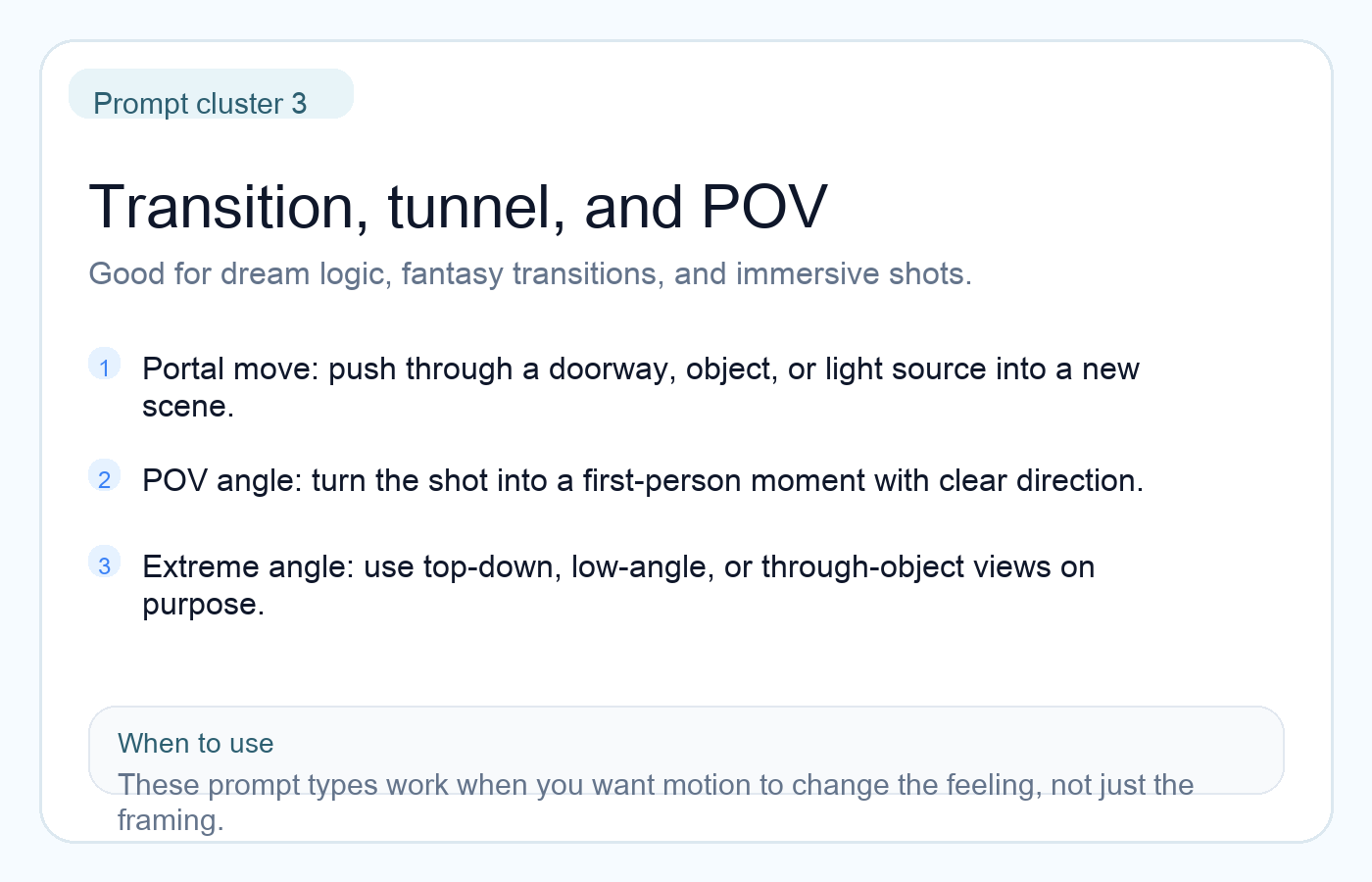
Transition, tunnel, and POV
This is where the prompt bank gets more playful. These moves are useful when the shot should feel immersive, dreamlike, or slightly unreal on purpose.
- Use through-object or portal prompts for fantasy-style scene changes.
- Use POV phrasing when you want the viewer inside the motion instead of watching from outside.
- Use top-down or low-angle extremes only when the angle itself is part of the story beat.
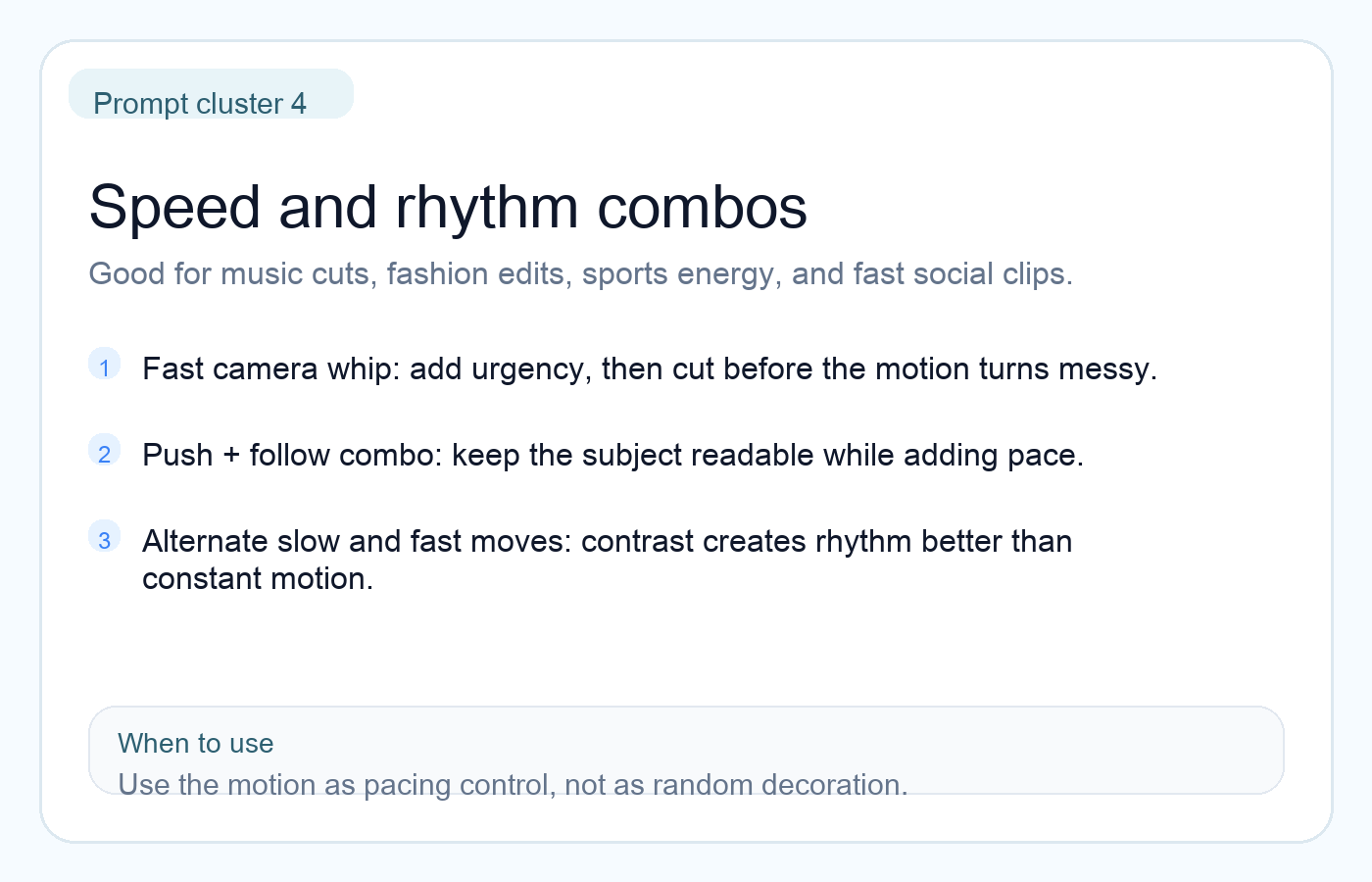
Speed and rhythm combos
Fast prompts work best when you treat them like editing rhythm, not like decoration. The point is pacing, not constant motion for its own sake.
- Add whip or fast camera energy only when the scene already has a clear action.
- Combine follow + push to keep the subject readable while adding momentum.
- Alternate slow and fast motions across clips so the full sequence feels intentional.
A simple way to pick the right move
Use the goal of the shot as your filter. That is the quiet lesson inside the original note.
- If you want story clarity, start with follow shots.
- If you want emotion or emphasis, use push-ins or pull-backs.
- If you want scale or atmosphere, use orbit, rise, or drop moves.
- If you want fantasy or immersion, use POV or transition passes.
- If you want rhythm, mix one stable move with one faster move instead of stacking five tricks at once.