Global first
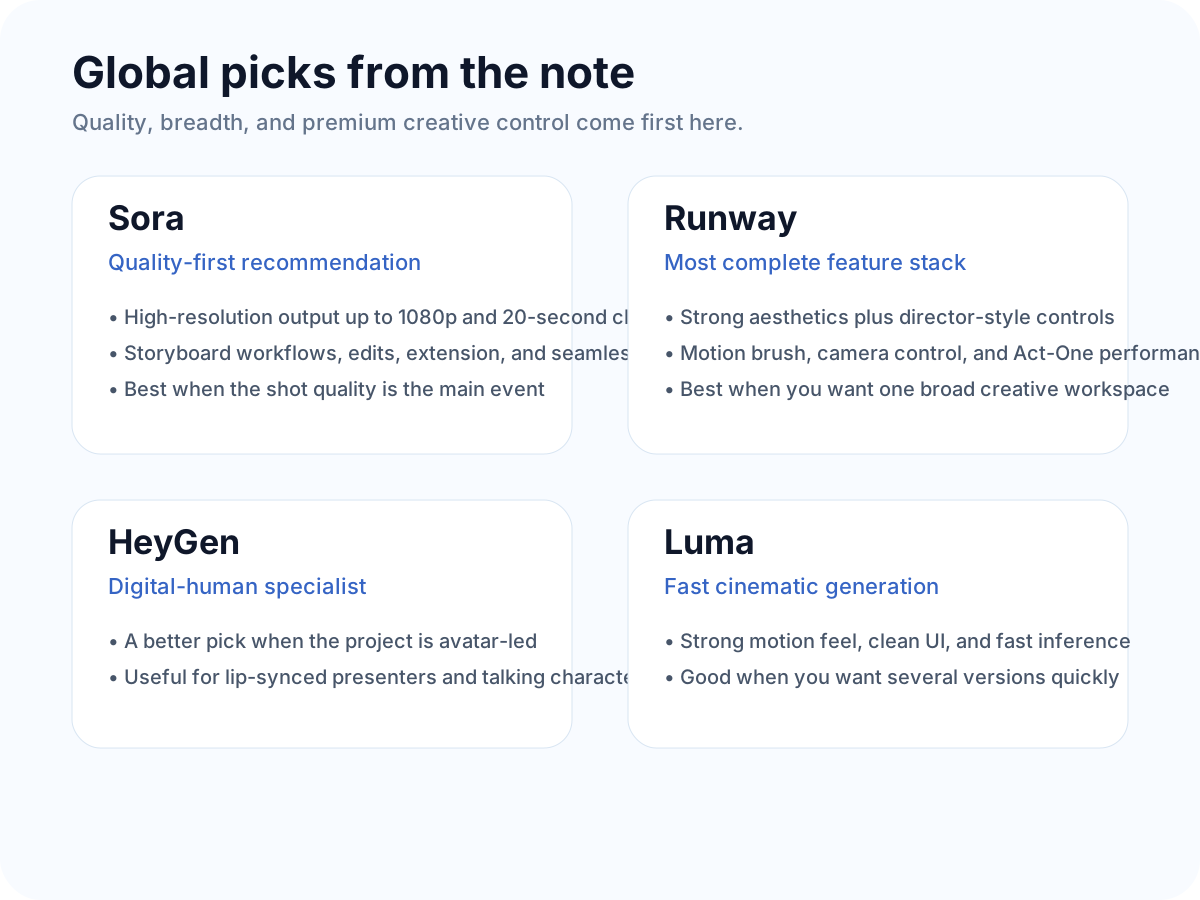
ASora is framed as the quality pick, Runway as the full-featured creative workspace, and HeyGen as the clear digital-human specialist.
quality chase
pro controls
avatar work
 OmniFit
Blog home
OmniFit
Blog home
If you keep asking which AI video app is “best,” this is a better question: best for what? This board separates quality-first tools from value-first tools, then makes the tradeoffs much easier to scan.
Model quality first. The source note puts raw output quality and deeper controls at the top of the decision tree.
Ease of use, fun effects, and how fast you can turn a test into something shareable.
It does not force one winner. It maps tools to the kind of job they do well.
The useful part of this post is the sorting logic. If you care about top-end model quality, look at the global stack first. If you care about price, quick testing, Chinese-first workflow design, and built-in social features, the domestic stack is easier to live with. That one move already cuts out a lot of confusion.
Sora is framed as the quality pick, Runway as the full-featured creative workspace, and HeyGen as the clear digital-human specialist.
Kling is the value play, Vidu is the low-cost rapid-testing pick, and Jimeng is the story-and-lip-sync shortcut for creator workflows.
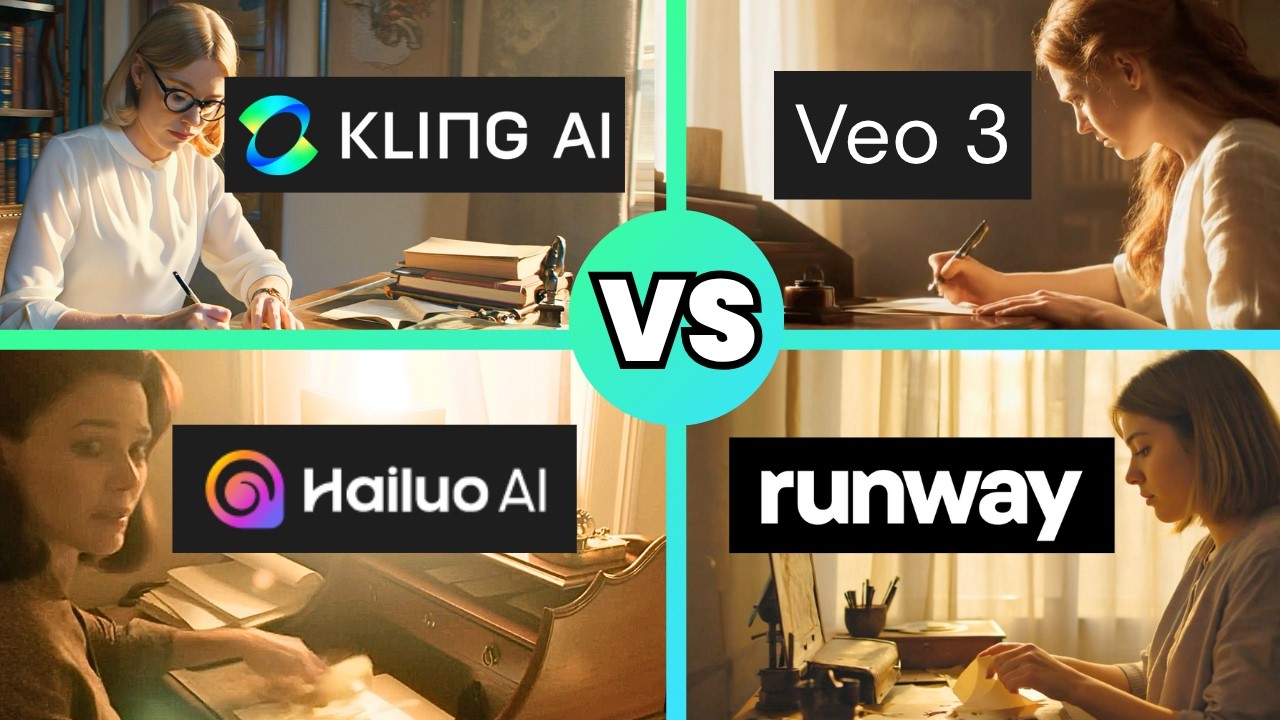
This AI Video School video is a useful companion because it compares several generators with the same cinematic prompts. That makes it much more helpful here than a generic roundup or hype reel.
This side of the board is for creators who want stronger aesthetics, more advanced controls, and a cleaner path to premium-looking shots.
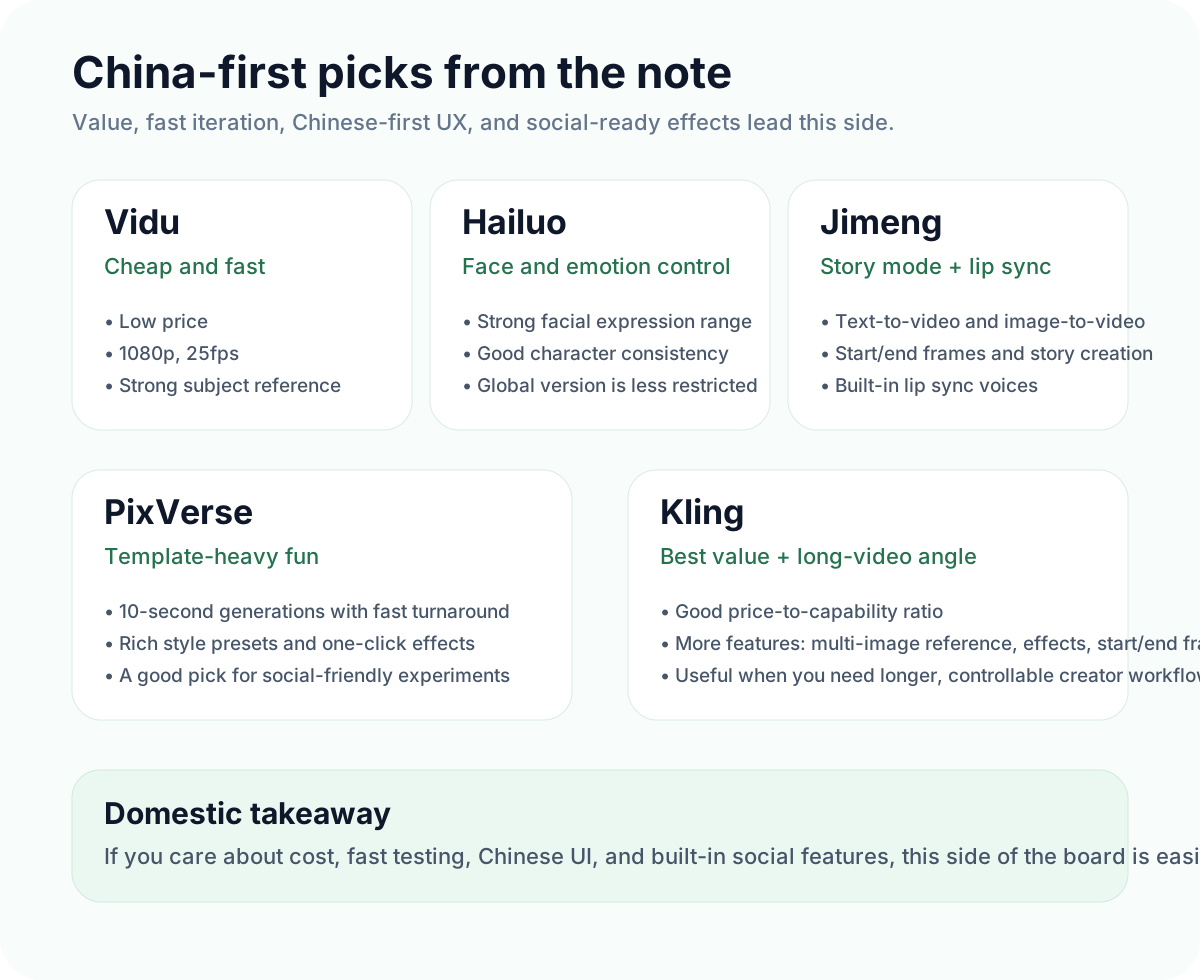
This side is more practical for everyday creator work: faster testing, easier onboarding, Chinese-first UX, and features that help short-form production move faster.
Here is the eight-tool rundown in the source post's own sequence, rewritten into plain English so you can compare without jumping between tabs.
The note positions Vidu as the cheapest option in the set, with fast generation, 1080p output, and strong subject-reference control.
Hailuo stands out for facial emotion control and character consistency, especially when you need the face performance to carry the clip.
Jimeng is framed as the one-stop creator tool: text-to-video, image-to-video, start/end frames, lip sync, and story creation mode.
Luma gets the cinematic-quality slot for aesthetics, movement, speed, and the ability to return several versions for one prompt.
PixVerse is the playful one: fast generations, lots of built-in effects, preset styles, and easy template-driven outputs.
Kling is the value pick in the note, with longer-video ambition, image reference features, start/end frames, lip sync, and more control.
Sora is framed as the premium quality option, with storyboard-style creation, edits, extension, looping, and 1080p output.
Runway is the feature-complete pick: strong aesthetics, camera controls, motion tools, and performance transfer for advanced creator work.
If you only need the short version, these are the easiest decisions to steal.
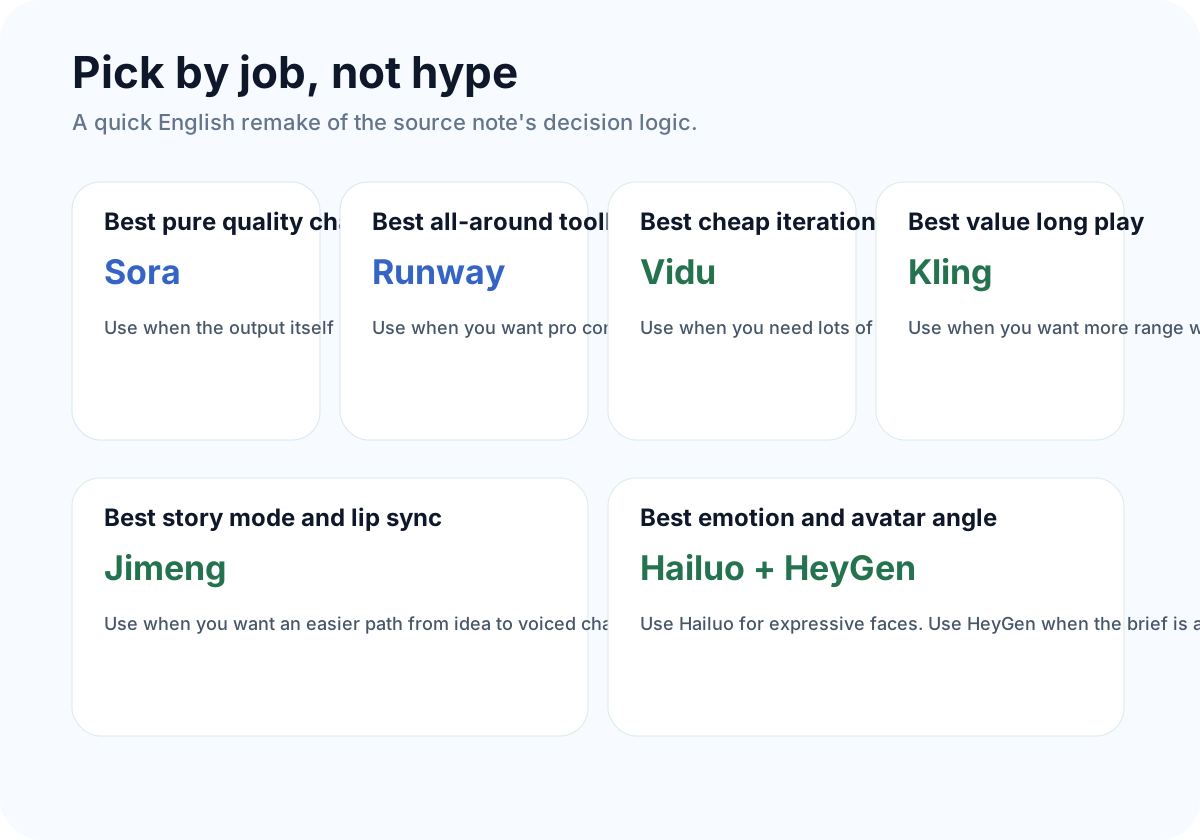
A clean tool map usually beats a messy “best AI video app” debate. Pick the one that matches your shot, your budget, and your workflow pressure. That gets you further than chasing the loudest winner of the week.