OF OmniFit AI video blog Back to blog
Workflow note · by Huang Bai

Turn one product poster into a moving promo clip

This is a smart little CapCut flow: build one clean product poster, ask for alternate layouts, then animate the winner into a short promo video instead of starting from a blank timeline.

📅 Published: July 31, 2026
July 31, 2026 5 min read CapCut / Motion poster
1 product image 3 core moves Good for ads and launch teasers
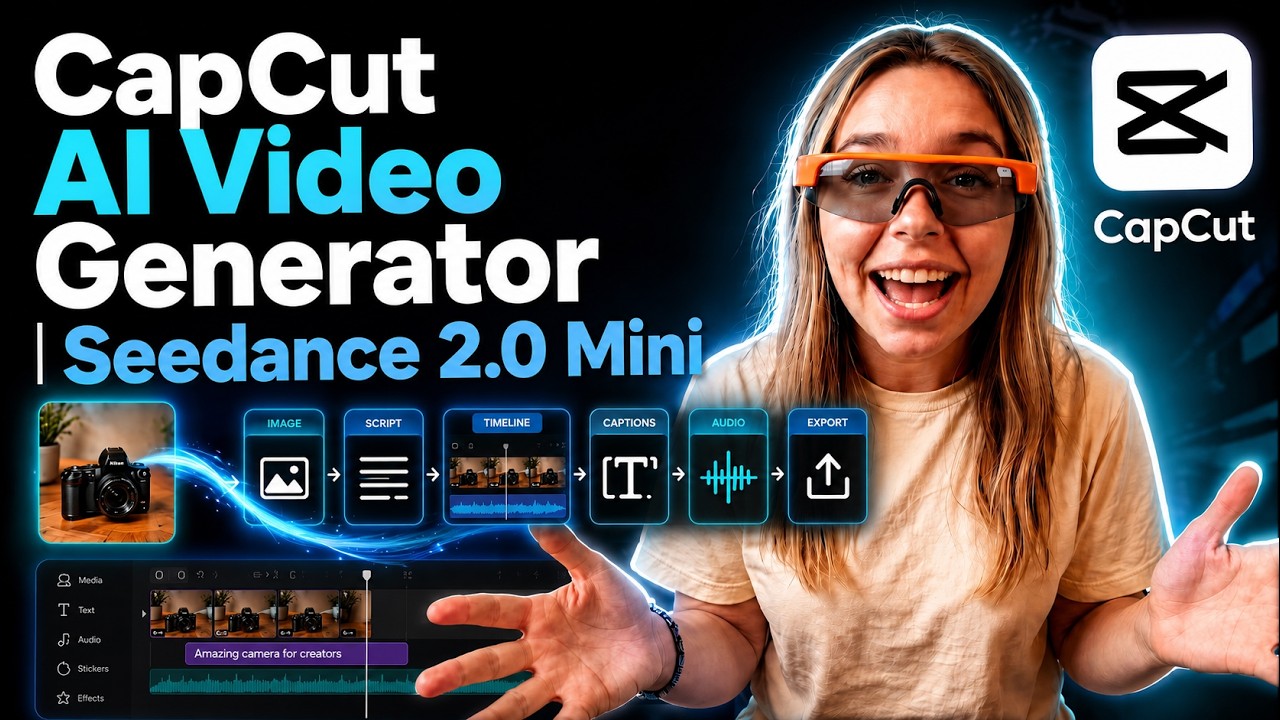
CapCut AI Video Generator tutorial thumbnail showing a one-photo product promo workflow
Start with One clean product photo
Main move Generate layout variations first
Finish Animate the still and speed-ramp it

What this teaches

If your product promos feel random, this workflow fixes the order. You do not animate first. You build a usable poster first, test a few compositions, and only then turn the best still into motion.

That sounds small, but it saves a lot of ugly video generations. Once the static frame already sells the product, the video step has a much easier job.
Best for

Launch teasers, beauty products, food promos, app promos, and quick social ads that need motion without a full shoot.

Why it works

The still image does the heavy layout work first, so the video tool is polishing a clear frame instead of guessing the whole ad.

What to watch

If the poster composition is weak, the animation will still feel weak. Fix the frame before you burn credits on motion.

Watch a close process match

This companion video is a good fit because it walks through the same idea: start from one product visual, build the creative assets inside CapCut, then turn the stills into short promo clips.

1

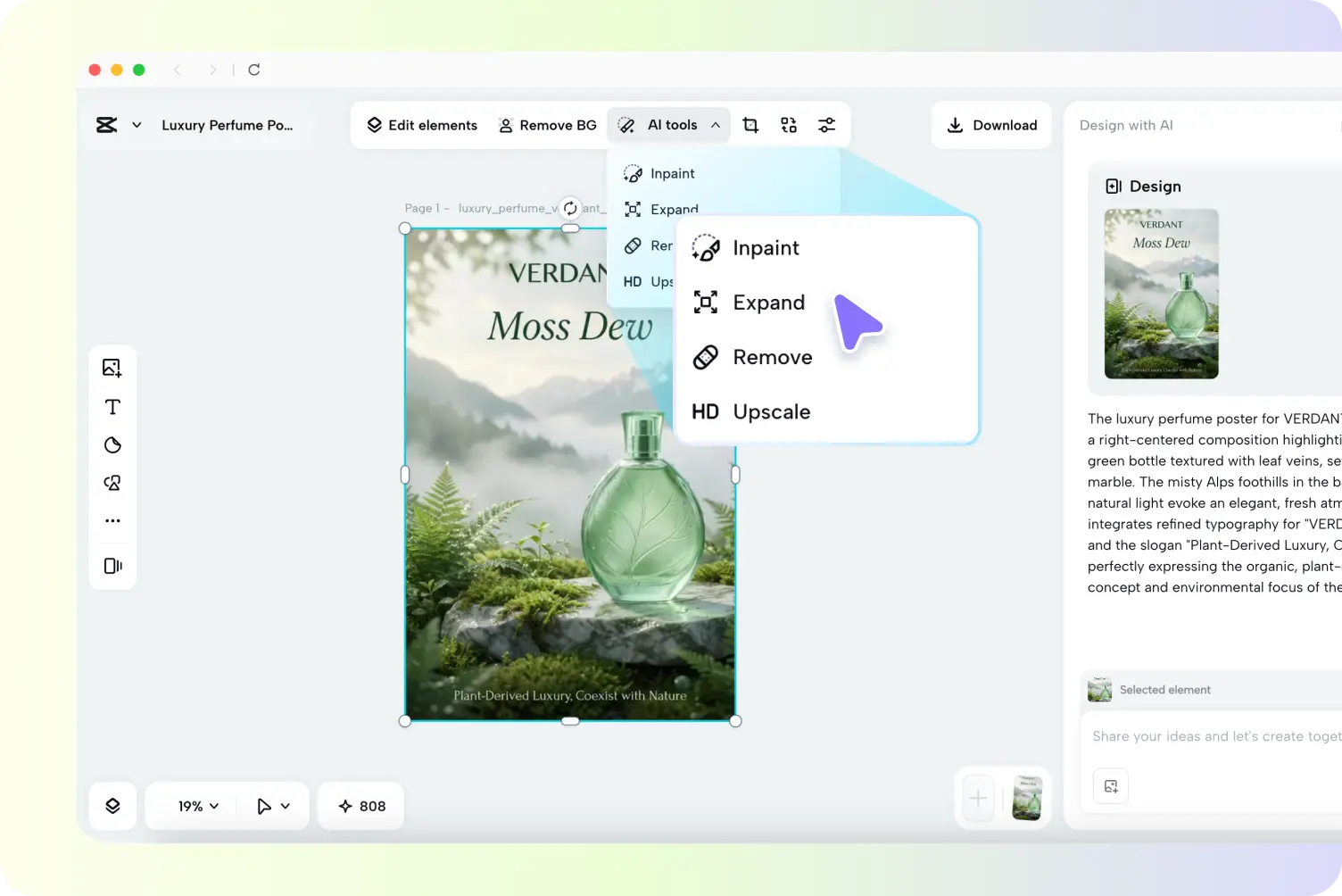
Build one strong poster from the product image

Start with the product shot and let CapCut handle the first design pass. The goal here is not motion yet. It is a clean ad image that already looks usable as a static post.

  • Upload one product image with a simple product-focused prompt.
  • Push for clarity: the product should read fast even at thumbnail size.
  • Keep the frame simple enough that later motion still feels clean.
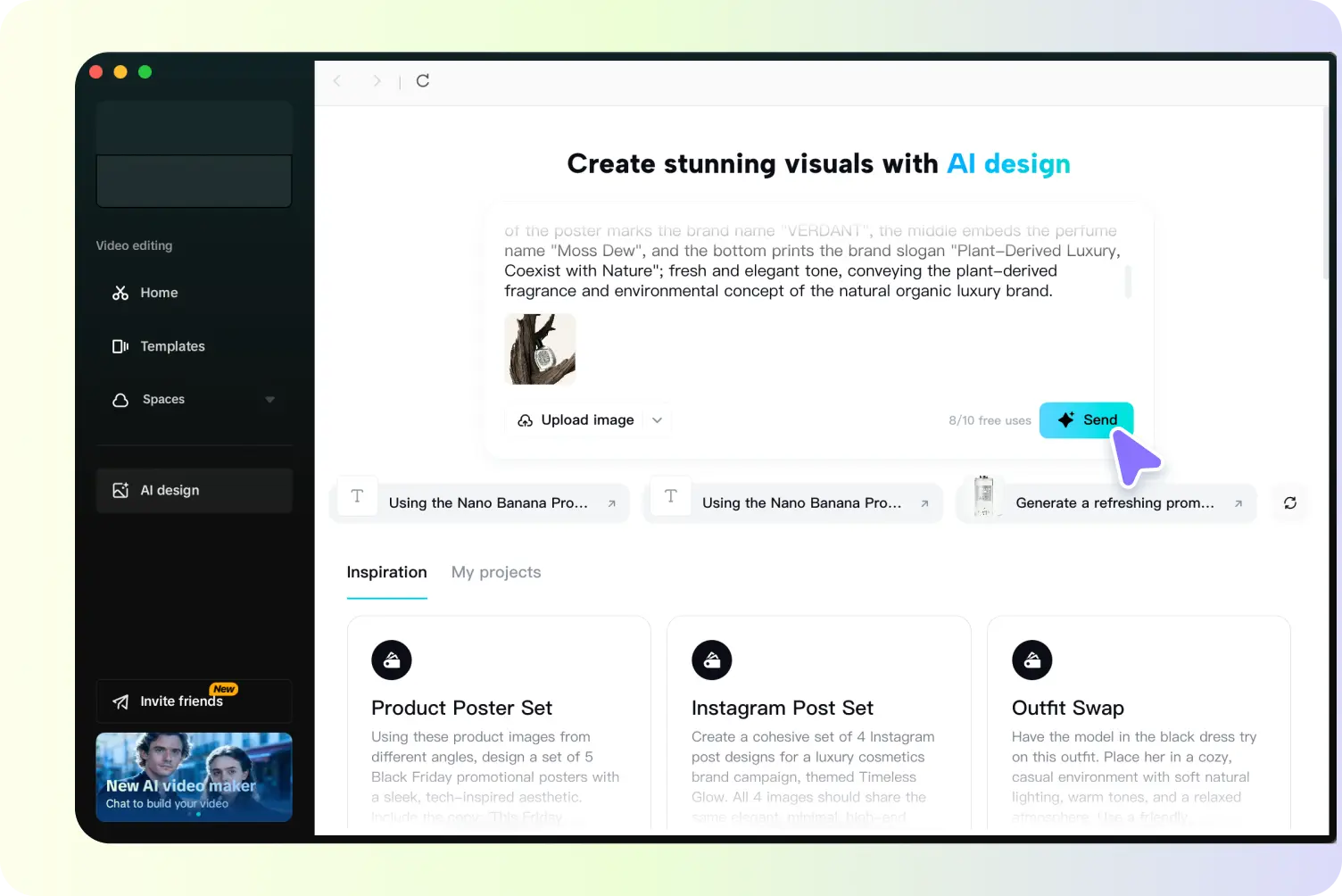
CapCut AI ad generator upload screen for starting with one product image
The static poster is your layout test. If this part already works, the video step gets easier.
2

Ask for alternate compositions before you animate

This is the underrated move from the source note. Do not settle for the first composition. Ask the tool to generate different layouts and choose the one that has the clearest motion path.

  • Try variations with different crop balance, scale, and text placement.
  • Look for a version with obvious visual direction, not just prettier styling.
  • Pick the frame that feels like it already wants to move.
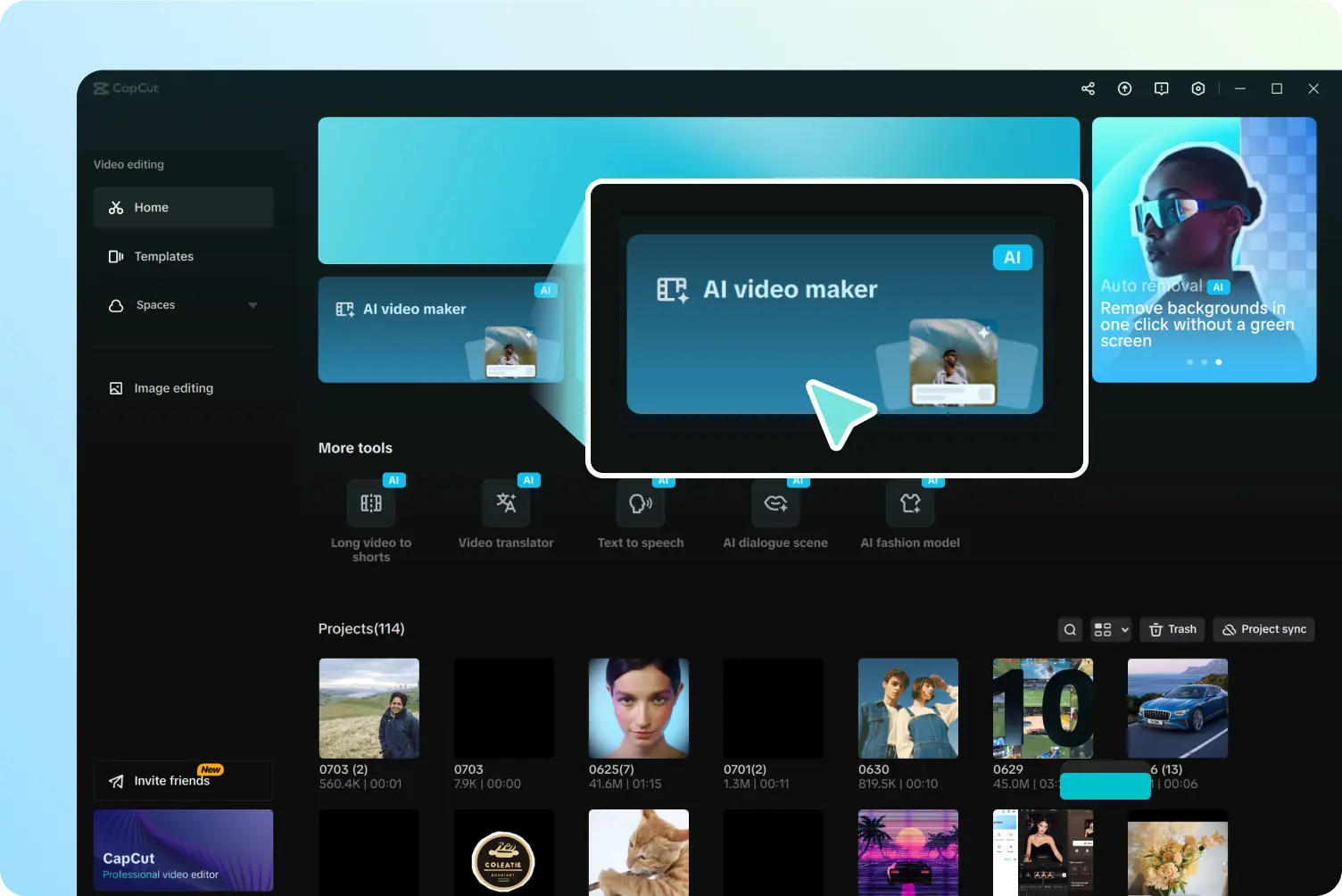
CapCut interface showing generated poster variations and refinement options
Different compositions give you different motion energy. This is where the better promo usually appears.
3

Turn the winning still into motion

Once the poster is locked, use image-to-video or first-and-last-frame style motion to create the clip. Keep it short. Then clean the timing with speed curves so the movement feels intentional instead of floaty.

  • Animate the chosen still rather than regenerating from scratch.
  • Use short durations for punchier promo loops.
  • Adjust speed ramps so the reveal feels deliberate, not accidental.
CapCut AI video editor screen used to convert a still design into a motion clip
The motion pass should enhance the poster, not rewrite it.
4

Export a few versions instead of one precious final

The workflow becomes much more useful when you treat the finished clip as a pack, not a single masterpiece. Export a short loop, a feed-friendly version, and a slightly longer cut if the movement needs a beat to land.

  • Make one ultra-short version for hooks.
  • Keep another with slower pacing for product detail.
  • Reuse the same poster logic across more than one platform.
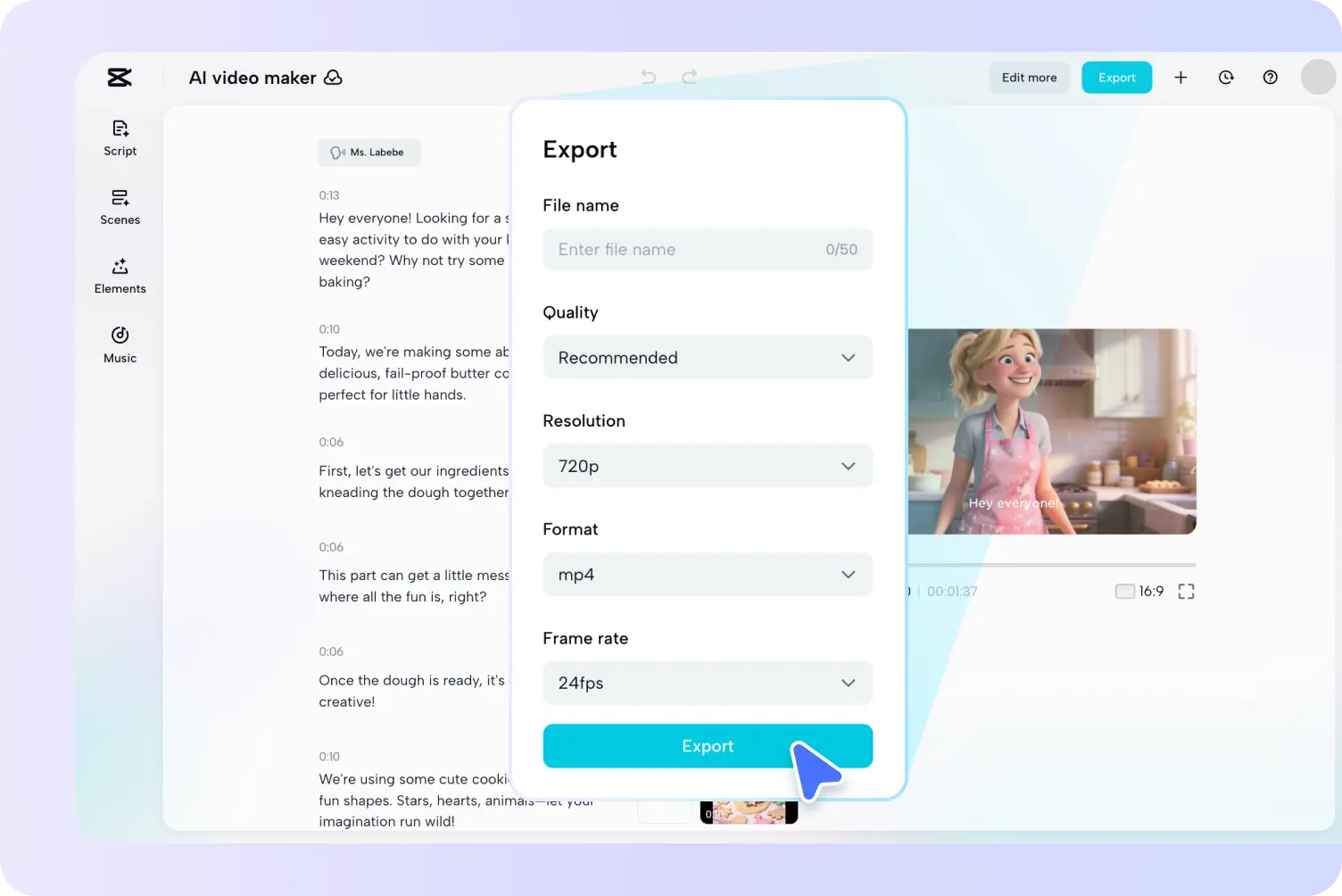
CapCut export screen for finishing an AI-generated promo video
A short motion poster usually travels well when you export more than one timing version.

Why this workflow is good

Each tool has one clear job:

  • Poster generation solves layout and product focus.
  • Variation pass finds the strongest framing before motion.
  • Image-to-video adds movement without rethinking the whole ad.
  • Speed control makes the clip feel designed instead of auto-generated.

Easy miss

The common mistake is animating the first pretty frame you get. That usually creates motion, but not a better ad.

The smarter move is to test composition first. The still should already feel like a poster you would post. Motion is the upgrade, not the rescue.

Tool stack

CapCut AI Design for the first poster and layout variations.

Motion step

CapCut image-to-video or still-to-motion generation for the short promo clip.

Best use case

Fast launch content when you have one good product image but not a full shoot.

Quick takeaway

A lot of AI promo clips improve the moment you stop asking the video model to invent everything. Give it a poster that already sells the product, then let motion do the smaller, smarter job.