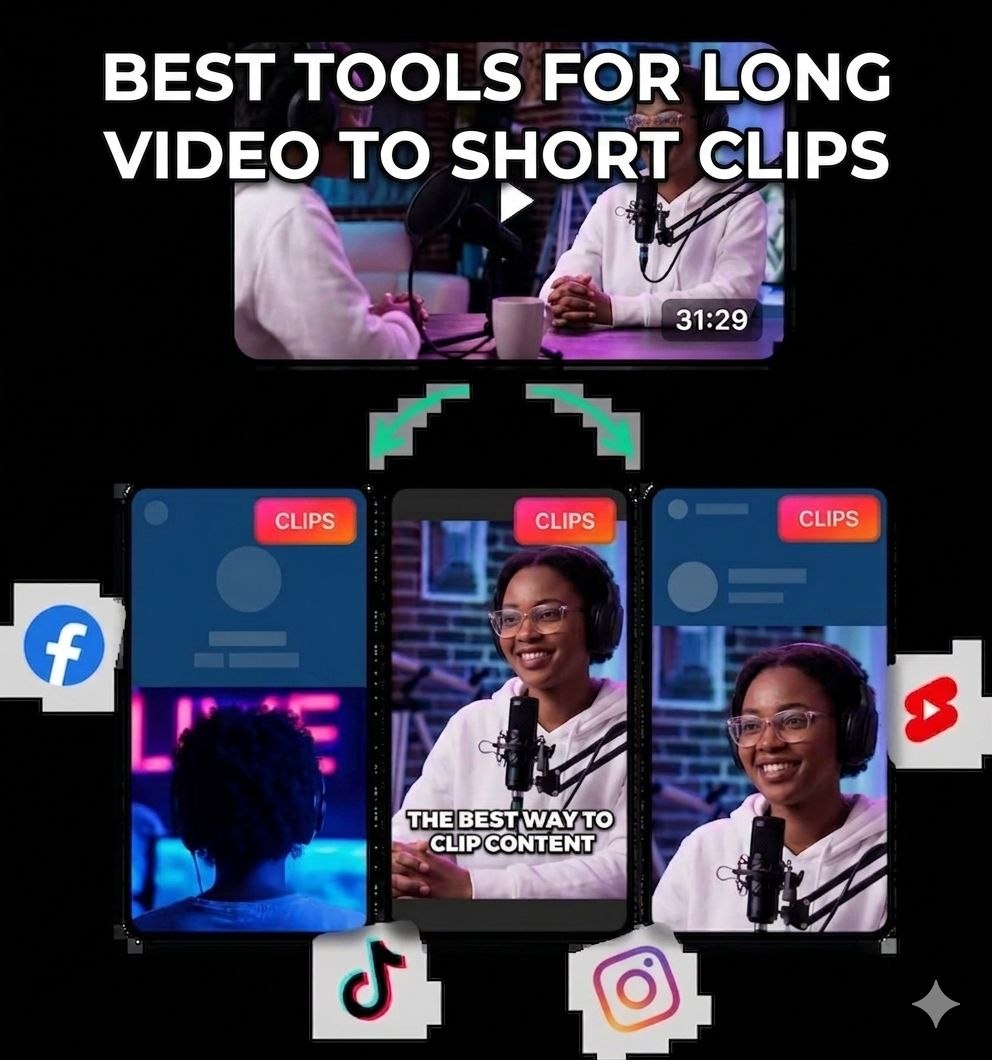
Captions vs. OpusClip vs. Descript for turning long videos into shorts
By Sam Rivera
If you already have one strong long-form video, the smartest move is not blindly picking the most hyped AI editor. It is choosing the tool that matches your workflow: polished AI-first edits, fast batch clipping, or transcript-level control.
📅 Published: May 26, 2026
Captions vs. OpusClip vs. DescriptLong video → short clipsWorkflow + tool strengths
Published May 26, 2026
Best for
Creators, educators, marketers, and founders comparing AI repurposing tools before committing to one editing stack.
What you need
One clean source video
A target platform goal
2–3 tools worth trialing side by side
The real question is not whether AI can make clips. It is which tool fits your footage, speed, and editing style best.
1Start with one strong source video
The fastest way to compare tools is to run the same solid input through each one.
2Pick by workflow, not hype
Some tools are built for polished first cuts. Others win on scale, reframing, or transcript control.
3Keep the tool that earns repeat use
Judge by speed, edit quality, exports, and how much cleanup you still have to do afterward.
What this guide is really for
Most creators do not need another generic “AI video editor” roundup. They need to know which tool actually fits their current production style. If you record long-form video and want more short-form output, the right choice usually comes down to one of three priorities: better first drafts, faster batch clipping, or tighter editorial control.
Use the same source video when you compare tools, or the test is misleading.
Judge both speed and cleanup cost. Fast output is not actually fast if the exports need heavy fixing.
Keep the winner for your main workflow, then borrow other tools only when they clearly solve a specific problem better.
If your real goal is turning one long recording into a repeatable short-form system, Captions is not the only serious option. The better framing is: which tool is best for your editing style and output volume?
Choose Captions if you want a polished AI first pass
Captions positions itself as AI that edits your video like a professional editor. It is strongest when you want the tool to create the first cut, apply a stronger visual style, suggest B-roll, and help you spin out translated or dubbed variants.
Best for: polished talking-head, product, and creator explainers
Choose OpusClip if volume and clipping speed matter most
OpusClip is the most aggressive repurposing pitch of the group. Its homepage literally leads with “1 long video, 10 viral clips,” plus AI clipping, reframing, and publishing. If you already have podcasts, interviews, webinars, or commentary videos, OpusClip is the clearest specialist for batch clipping.
Best for: high-volume repurposing from long-form libraries
Choose Klap if you want fast link-to-shorts automation
Klap is closer to a quick-turn clipping machine. Its positioning is very direct: paste a YouTube link or upload a video, then let AI generate TikToks, Reels, and Shorts in one click. It also leans hard on auto reframing, captions, and viral-worthiness scoring.
Best for: creators who want fast repurposing with minimal setup
Standout angle: one-click clip generation, AI Reframe 2, link-based workflow
Choose Descript if you still want transcript-first control
Descript is broader than the pure clipping tools. It can create clips and suggest standout moments, but its core strength is text-based editing. If you like editing by transcript, rewriting structure, or polishing a video more manually after AI suggestions, Descript is the most flexible hybrid.
Best for: creators who want AI help without giving up editorial control
Standout angle: text-based editing, Underlord AI co-editor, Create Clips
Tutorials worth watching before you commit
If you want to judge these tools quickly, do not start with the marketing pages alone. Watch one credible walkthrough for at least two tools, then run the same kind of source video through both. That will tell you much more than a feature list.
Captions walkthrough: “Captions AI Tutorial - How to Create and Edit Videos using AI” by Chris with Minn Media.
OpusClip walkthrough: “OpusClip Tutorial: Turn One Long Video into 10 Viral Shorts (Step-by-Step)” by AI Academy.
Step 1
Start with one source video and one clear success metric
Before you compare anything, define the job. Are you trying to get ten usable shorts fast, make the first cut look more polished, or keep tighter editorial control? Run the same source video through each tool and judge them against one target outcome, not a vague feeling.
Same input for every testDefine speed vs. qualityOne platform goal first
Step 2
Choose the tool by workflow strength
Captions is strongest when you want the tool to feel like an AI editor that gives you a polished first pass. OpusClip is strongest when you care about clipping speed, reframing, and batch output from long-form libraries. Descript is strongest when you still want transcript-level editing control after AI suggestions. Klap is the quick-turn option when you want fast link-to-shorts automation.
Captions: polished first passOpusClip: batch clippingDescript: transcript control
Step 3
Test how much of the first draft each tool really solves
This is where marketing claims meet reality. Captions talks about editing with taste, B-roll, and stronger presentation. OpusClip talks about turning one long video into many clips quickly. Descript talks about text-based editing and AI-assisted cleanup. The real question is: after the first pass, how much work is left for you?
Look beyond clips: reframing, captions, translation, and reuse
The best tool is usually the one that reduces your second wave of work, not just the first export. OpusClip leans hard into reframing and multi-platform clipping. Captions adds stronger style treatment, translation, dubbing, and prompt-led refinements. Descript helps when your workflow keeps changing after the transcript is on the page.
ReframingSubtitles + dubbingReuse across platforms
Step 5
Keep one primary tool, then borrow specialists only when needed
Most creators do not need four subscriptions running at once. Pick the tool that wins your main weekly workflow. Then only borrow another one when it clearly does something better, like faster clipping, cleaner transcript edits, or stronger multilingual packaging.
One main workflowAdd specialists sparinglyJudge by repeatability
Pick the winner by workload, not wow factor
The best demo is not always the best weekly tool. The real winner is the one that leaves you with the least cleanup after the first pass.
OpusClip is the clearest batch-clipping specialist
If your job is turning a library of podcasts, interviews, webinars, or commentary videos into many shorts fast, OpusClip has the sharpest positioning and workflow fit.
Captions and Descript win for different reasons
Captions is stronger when you want more polish and packaging from AI. Descript is stronger when you still want transcript-first editorial control after the AI helps.