
What seems official and what still feels community-defined
The cleanest thing Anthropic publicly confirms today is not a standalone “/design” manual. It is the surrounding behavior: Claude Code can work from visual context, images are useful when text would be unclear, and one documented workflow is asking Claude to generate CSS from a design mockup or explain the HTML structure needed to rebuild a component.
That means the market language has moved a little faster than the docs. People say “Claude Design” or “/design,” but the dependable part is the workflow around it, not a single clearly documented button you can point to.
Use Claude for design direction, variation, spec writing, and handoff. Do not expect one prompt to replace taste, iteration, or cleanup.
What actually works better than hype
1. Start with screenshots, not adjectives
“Clean,” “premium,” and “modern” are too vague. Screenshots of the app, layout, or aesthetic you want give Claude something concrete to react to. This is where the workflow becomes much more usable.
2. Make a tiny design system first
A lightweight design.md or HTML spec that locks color, type, spacing, and component rules prevents Claude from reinventing the UI on every screen.
3. Prototype only the key screens first
Landing page, dashboard, profile page, onboarding, or one important flow. Once those are clear, the rest of the build gets easier and cheaper to steer.
4. Force clarifying questions early
If Claude asks who the user is, what sections matter, what variation to explore, or which edge cases count, that is not friction. That is how you avoid paying for bad structure later.
Why the Figma loop still matters
For designers, the strongest real workflow is not “AI replaces Figma.” It is closer to this:
- Generate a screen or component in Claude.
- Move it into Figma with MCP or a similar bridge.
- Clean it up, simplify it, or review it with other humans.
- Send the refined piece back into Claude.
- Let code and design evolve from the updated version, not the rough first draft.
That keeps Claude useful without pretending it already has perfect layout judgment, responsiveness, or production-ready polish on the first pass.
The best first video to watch
Three more videos worth keeping open
Best end-to-end workflow breakdown: define the problem, build a design.md, prototype key screens, generate a single spec, then build from that spec.
Useful if you want a broader look at how designers are fitting Claude into UX, systems work, and more than one screen-making demo.
Watch on YouTubeWorth scanning after the first two if you want more examples and a wider sense of the design surface people are using today.
Watch on YouTubeBottom line
The real Claude “/design” advantage is not that it magically replaces Figma or front-end craft. It is that Claude can now sit in the middle of the loop between references, mockups, specs, and code.
If you want better output, the winning pattern is boring in a good way: attach screenshots, define a tiny design system, prototype key screens first, export a spec, then build from that source of truth. That is the version of Claude “/design” that actually feels real right now.
Sources
Used for the public-docs check: current Claude Code overview, common-workflows, slash-command pages, plus the public docs index and sitemap.
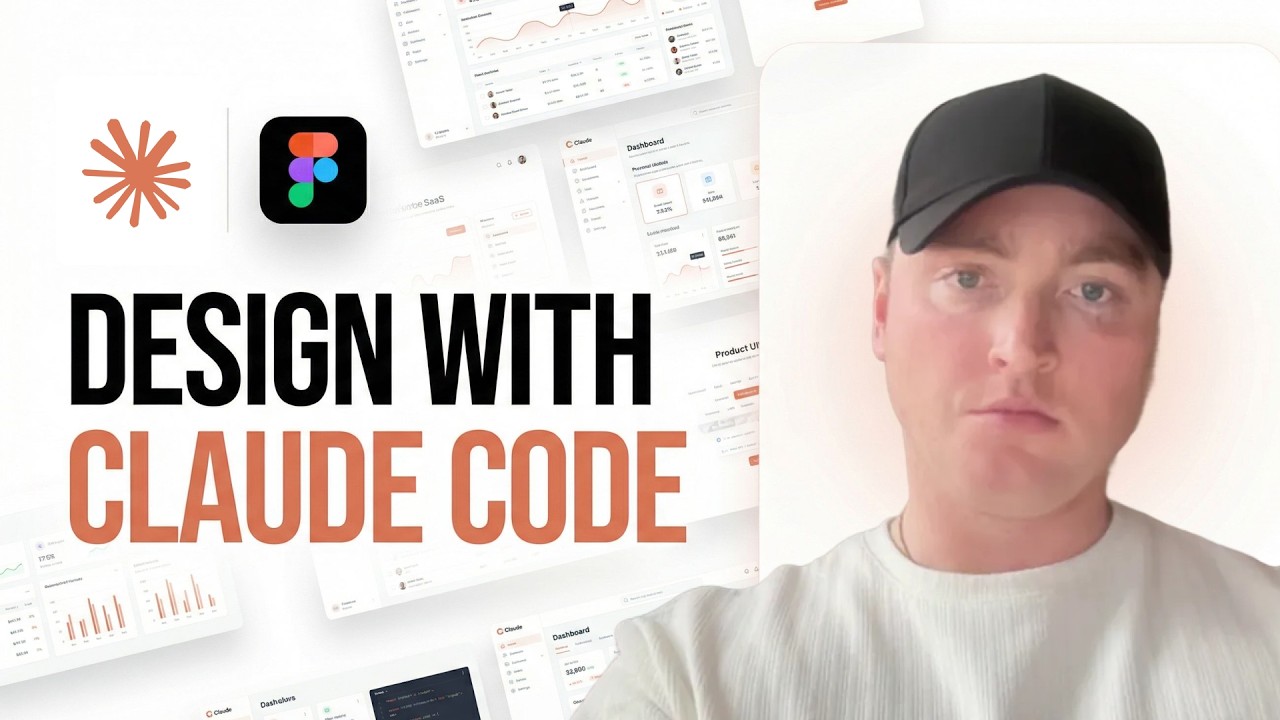
Read docsPrimary recommended video and hero image source: Design with Claude Code: The Designer’s Guide.
Watch videoUsed for the end-to-end design-to-spec-to-build workflow pattern.
Watch videoUsed for additional workflow examples around Figma MCP, design systems, and the broader Claude-for-designers conversation.
Watch workflow video