8 AI video tools to compare before you commit
If your AI video stack feels random, this is the smarter way to narrow it down. One viral creator note split the field by quality, speed, story tools, effects, and value — which is still a much better filter than chasing hype.
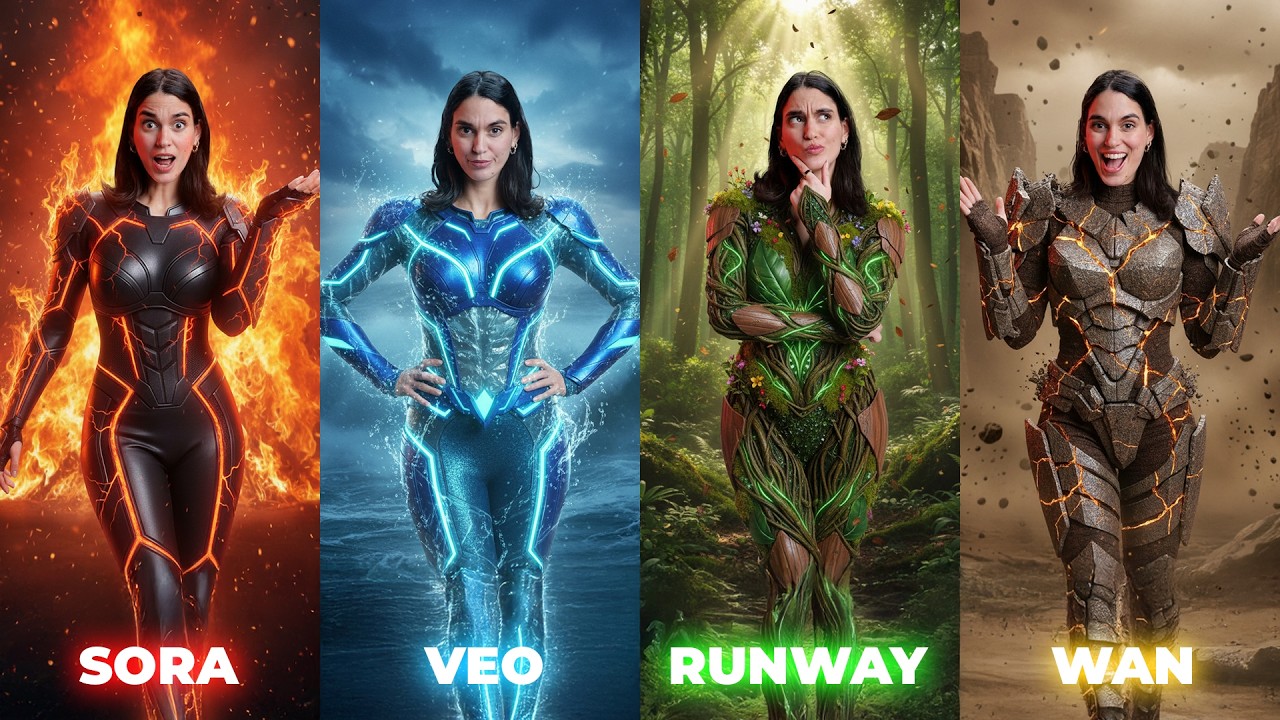
Best if quality matters most
Sora, Runway, and Luma are the tools in this list that read most like premium visual systems first.
Best if you need cheap iteration
Vidu and PixVerse are easier to test fast when your goal is volume, variation, or social-first experiments.
Best if story mode matters
Dreamina and Sora both matter when you want prompt-to-sequence thinking instead of one isolated clip at a time.
Best if you want control
Kling, Runway, and Hailuo stand out when consistency, motion discipline, or face performance matter more than novelty.
A quick side-by-side helps before you pick a home base
This video compares major video models under the same prompt conditions, which makes it a useful companion to the creator note. The note is stronger on tool positioning. The video is stronger on visible output differences.
The 8-tool cheat sheet
The original note works because it does not pretend one tool wins everything. Each product gets one job in your mental map.
Vidu
- Good when you want low-cost iteration without turning every test into a budget debate.
- Strong for fast generation, reference-based control, and creator workflows that need lots of tries.
Hailuo
- Worth checking when facial emotion and expression control matter more than flashy motion.
- A good fit for close-up performance work, stylized portrait clips, and character-led shots.
Dreamina
- Useful when you want one workspace that covers text-to-video, image-to-video, and story-style clip building.
- The note also flags lip sync and first/last frame style controls as practical reasons creators keep it around.
Luma Dream Machine
- Often the better pick when you want cinematic motion and clean visual taste fast.
- Good for moody, polished clips where the feel of movement matters as much as the prompt itself.
PixVerse
- Great for effect-driven content, quick concept play, and users who prefer presets over long prompting.
- It shines when speed and fun matter more than perfect cinematic control.
Kling
- Still one of the easiest recommendations when you need good price-to-output value.
- Useful for longer generations, multi-image reference setups, and more deliberate motion control.
Sora
- Best treated as a creative sandbox, not just a prompt box.
- The note highlights storyboard-style creation, video extension, remixing, and scene blending as the real reason to care.
Runway
- The best fit here when you want stronger creative tools around motion, direction, and performance capture.
- Think of it as the tool you reach for when the shot matters, not just the prompt.
How the market splits in practice
The original note makes one simple split: some tools win on frontier quality, and some win on price, language fit, or everyday accessibility. That is still the fastest way to decide what to test first.
Start with Runway or Sora
If you want the broadest high-end creative ceiling, begin here. They make the most sense when your brief includes direction, editing behavior, or stronger visual ambition.
Start with Kling or Vidu
If your real bottleneck is time, budget, or repeat testing, these are easier tools to live inside every day.
Start with Dreamina
If you are building short story clips, talking pieces, or creator-friendly sequences, Dreamina is often the simplest all-rounder.
Tool looks that match the jobs
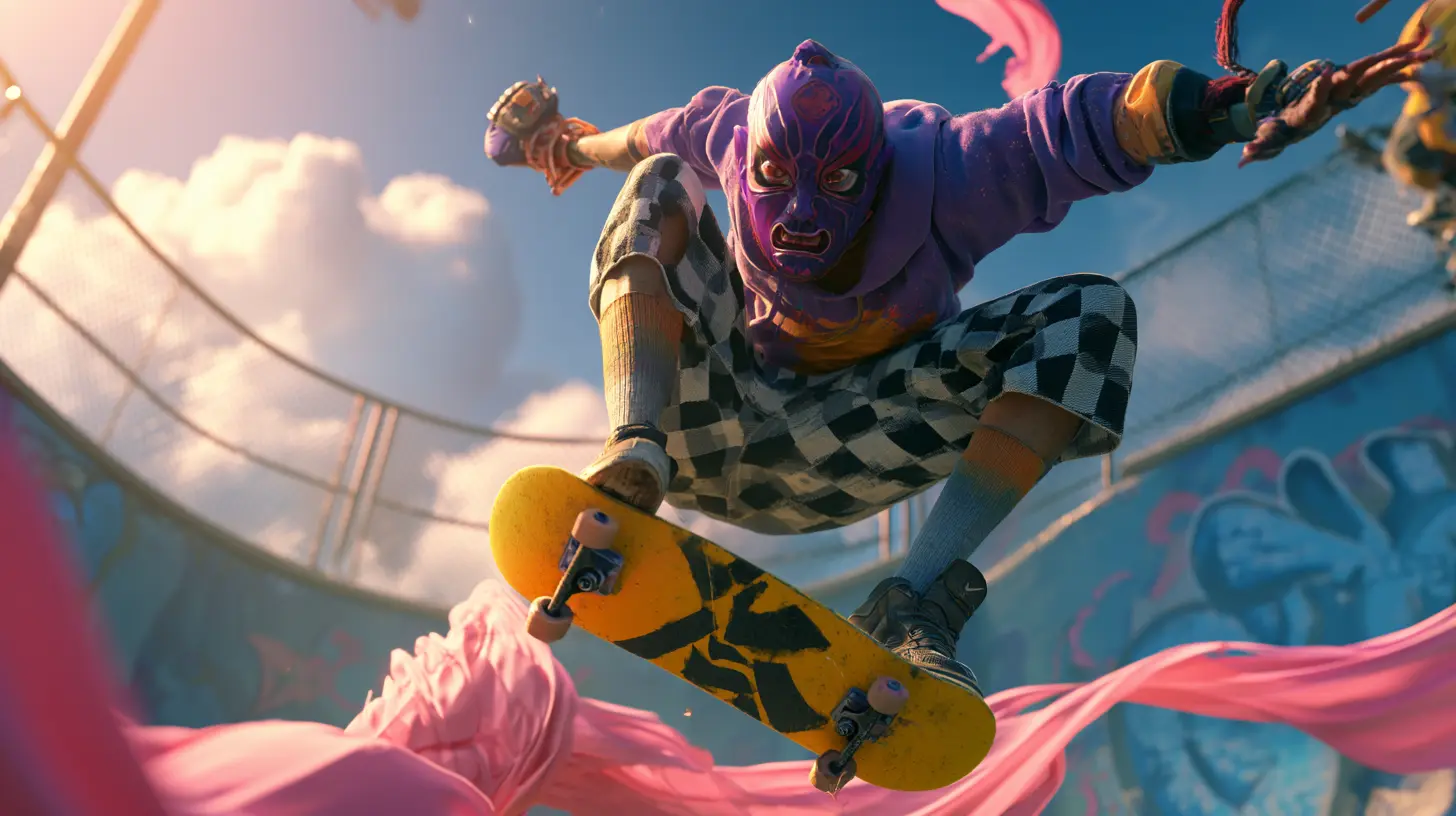
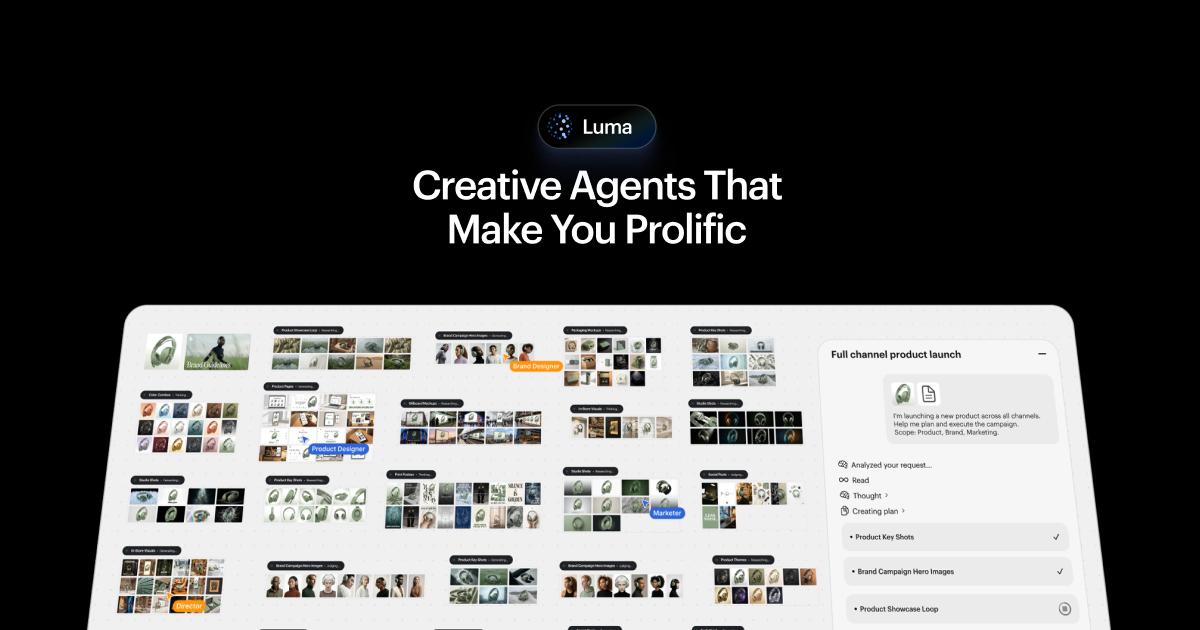
These official product visuals map cleanly to the same buckets the source note uses: pro control, story building, fast value, aesthetic motion, and easy template play.


Pick by output type, not by brand hype
The source note is most useful when you read it as a routing map. Ask what you are trying to make, then choose the tool family that already leans that way.
- Talking-head or performance work: start with Hailuo, Dreamina, or Runway depending on how much facial precision you need.
- Story clips and social mini-scenes: start with Dreamina or Kling.
- Premium ad-style motion: test Runway, Luma, or Sora first.
- Template-driven entertainment or fast posting: PixVerse and Vidu are easier to justify.
- Budget-sensitive creator workflow: Kling and Vidu usually deserve an early slot.
Useful links
If you want to test the field instead of reading about it forever, start with the products that match your real workflow.