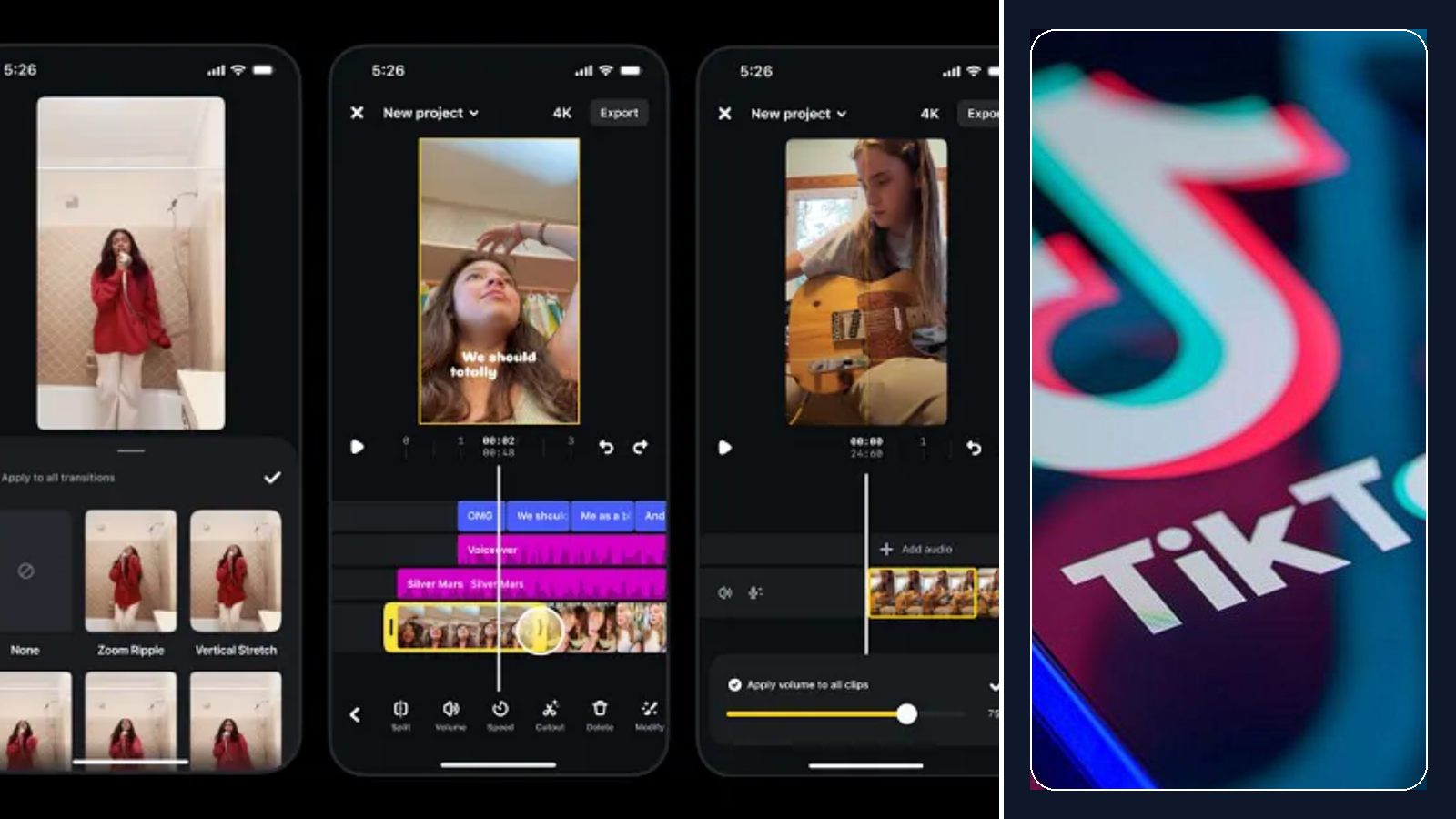
Why the Instagram update matters more than it looks
On paper, “AI video generation inside Edits” sounds like just another feature drop. But this one is worth watching because it sits in a place creators already care about: the path from rough idea to finished Reel.
According to Music Ally, Edits can now create Reels from text prompts, photos, or existing videos. That makes it feel less like a standalone AI toy and more like a built-in production assist. If Instagram keeps pushing Edits, creators will have a strong reason to test ideas there first, especially if the app gets any distribution advantage from Meta's current product priorities.
The practical takeaway is not “let AI make your whole post.” It is closer to this: use AI to unblock a shot, animate a still, create a background, or reshape a rough asset faster. Keep the creator in charge. Let the tool do the boring part.
TikTok just showed the other side of the story
TikTok's move points in the opposite direction. The BBC says the platform scaled back its AI-generated video descriptions after some outputs became bizarre enough to get screenshotted and mocked. That is exactly the kind of failure that makes a platform feature feel less smart and more annoying.
This is a useful contrast. Instagram is putting AI earlier in the making process, where the creator can still control the result. TikTok's messy experiment sat later in the viewing experience, where wrong output becomes public, visible, and instantly embarrassing.
If you work in AI video, this is the cleaner framework: generation and editing help are easier for people to forgive. Public-facing AI interpretation is much riskier, because viewers see the mistake before the creator can fix it.
What I would actually do this week
1. Test Instagram first
If you are already making short AI-assisted clips, try one concept inside Edits instead of treating it as just another announcement to ignore.
2. Keep the AI job narrow
Use it for backgrounds, motion, alternate versions, or fast concepting. Do not hand over the whole creative decision tree unless the result is genuinely better.
3. Fix format before upload
When your source clip is not Reel-shaped, resize it first. Distribution does not care how clever the idea was if the framing feels off in-feed.
The bigger signal
The useful platform pattern is starting to show itself. AI works better when it helps creators produce, adapt, or repurpose video faster. It works much worse when it jumps in front of the viewer and starts pretending it understands the content better than the human who made it.
So yes, Instagram's Edits update is the more interesting story here. Not because the generated clips will all be amazing, but because the placement is smart. It sits inside the creator workflow. TikTok's rollback is the reminder that AI still loses fast when it becomes visible in the wrong place.
Sources
Music Ally
Used for the Instagram side of the story: Edits now supports AI video generation from text prompts, photos, and existing videos.
Read source ↗
BBC
Used for the TikTok side: the platform scaled back AI-generated video descriptions after inaccurate and strange outputs drew attention.
Read source ↗
OmniFit Tool
Linked here as the practical next step for creators who need to convert existing clips into Instagram-friendly formats quickly.
Open tool ↗