OmniFit logo OmniFit Blog
Character setup • by Xiao Liangzi

How to keep one AI character consistent across scenes

If your storyboard falls apart because the hero keeps changing faces, this Midjourney method is a clean fix: name the character, keep a tight reference set, then change scene action only after the look is locked.

đź“… Published: May 25, 2026
Midjourney Pre-animation workflow Single-character scenes
3-step method Reference-driven prompting Good for picture-book animation
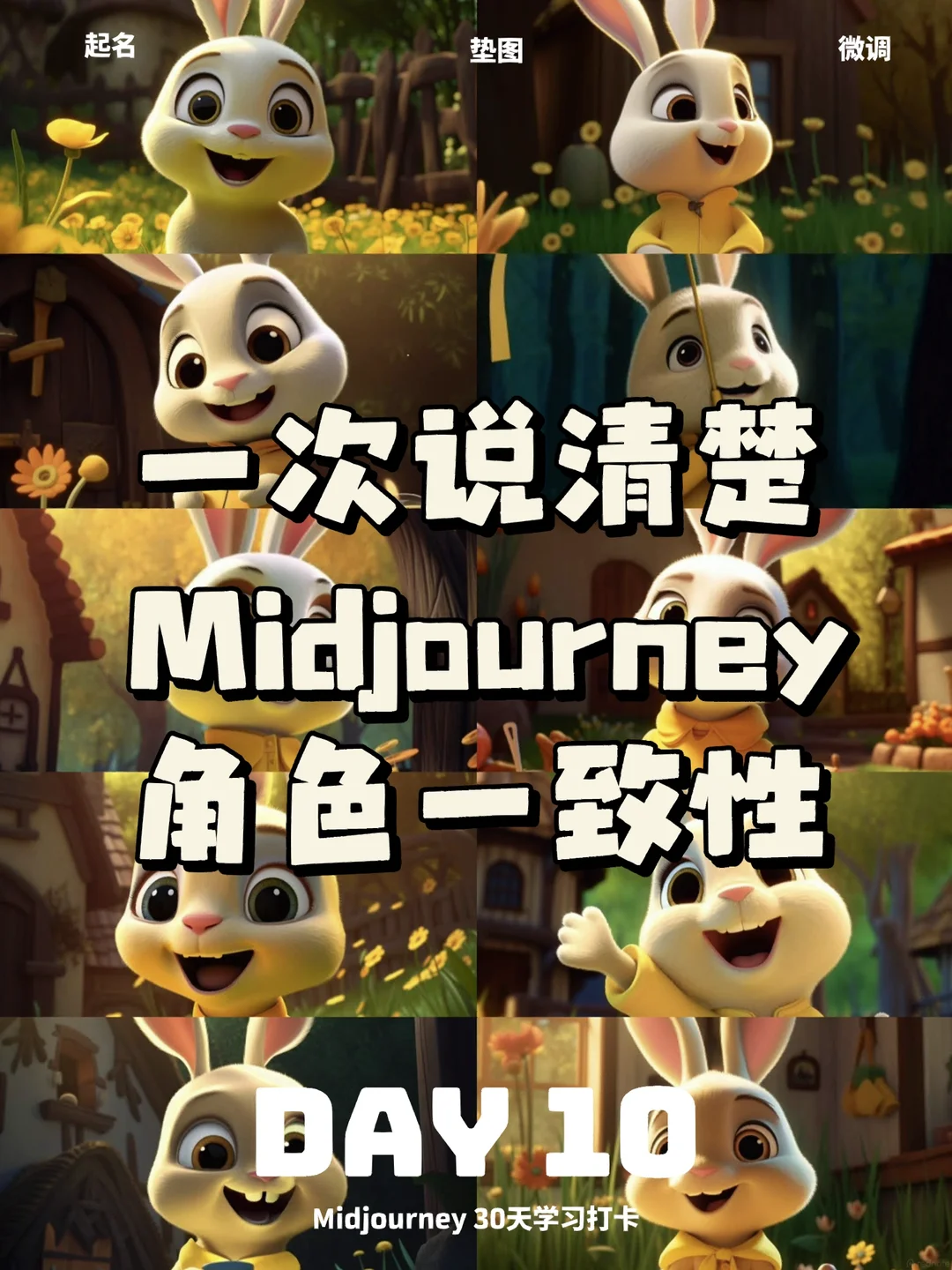
Midjourney tutorial thumbnail about creating consistent AI characters across scenes
Main lesson

Do not treat character consistency like one magic parameter. Treat it like a reference system.

Best use

Storyboards, picture-book motion tests, animatics, and any sequence where one lead character has to survive multiple shots.

Why old fixes break

Seed is not enough

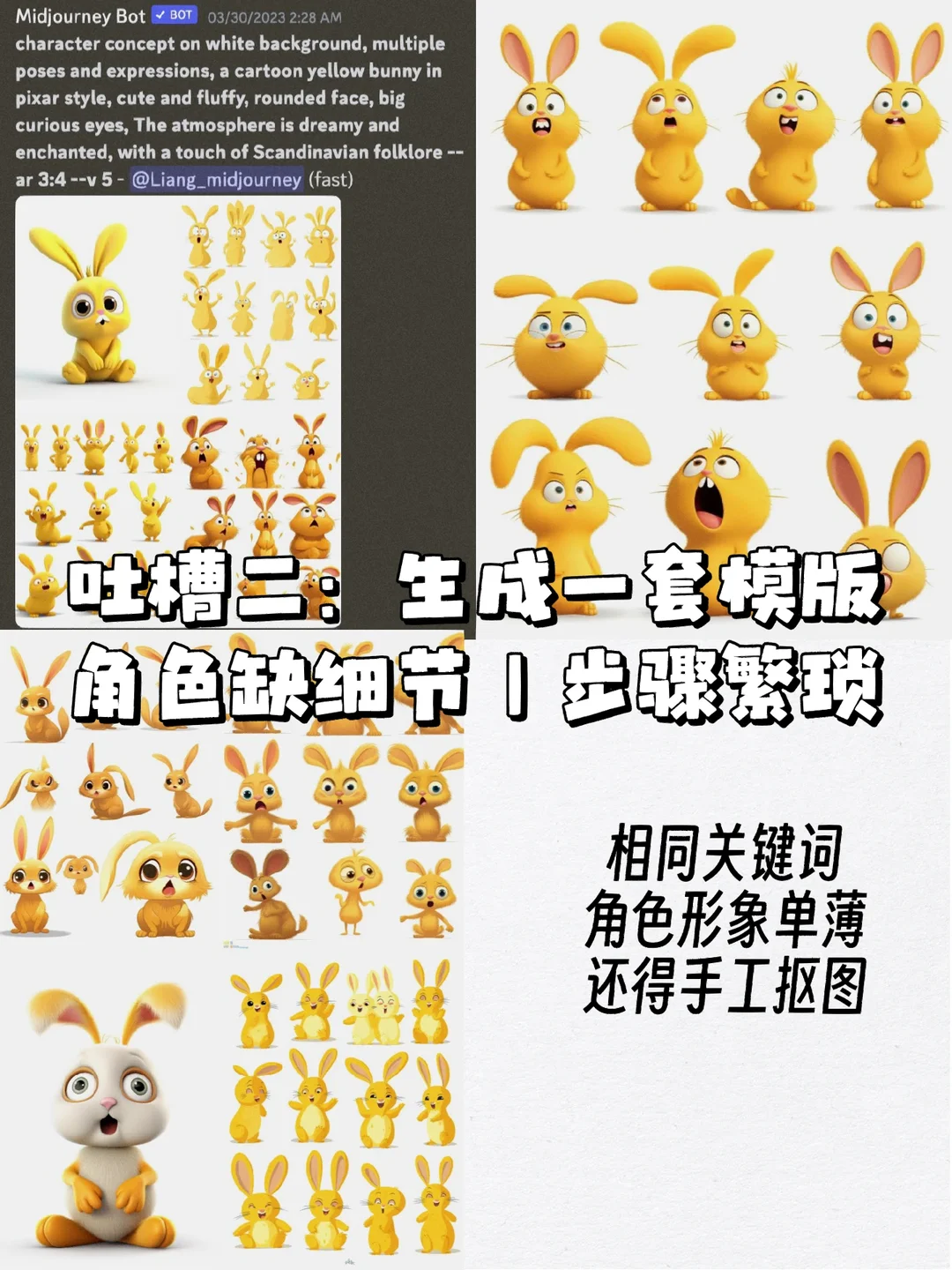
The source post starts by killing a common hope: seed can nudge the starting point, but it does not reliably preserve a full character across new scenes.

The stable core

Name + references + prompt control

The winning pattern is much simpler than a giant prompt wall. Build a small reference pack, keep the name stable, and only change the action and setting.

Reality check

One hero works best

This is strongest for one character moving through many scenes. Once multiple characters share the same frame, consistency gets much shakier.

Companion watch

Watch this short Midjourney consistency tutorial before you lock your shot sequence

MDMZ’s walkthrough is a tighter companion for this post now. It stays on the exact same problem—getting one character to hold together across generations—so readers can see the consistency logic in action without sitting through a long course-length video.

MDMZ 548 likes 5 min 2024 tutorial
What the post teaches

Character consistency works better when you separate identity from scene changes

Xiao Liangzi’s note is really about setup discipline. Lock the identity first. Only then start asking for new poses, environments, and actions.

If your video prompts feel random, the problem is often upstream. A shaky character sheet turns every later image-to-video step into cleanup work.
1

Give the character a name and build a tiny reference set

The source post recommends starting with two or three images that already feel like the same person or mascot. A distinctive name helps Midjourney map the visual traits more consistently.
  • Pick a memorable character name and keep it unchanged.
  • Generate a small group of images that share the same style, face, and overall design language.
  • Do not rush into scene variety until the base look already feels stable.
Reference sheet showing one rabbit character repeated with a unified look in Midjourney
A small reference pack beats a giant one. You want just enough coverage to define the character without turning every new prompt into chaos.
2

Keep the base prompt, then change behavior and environment

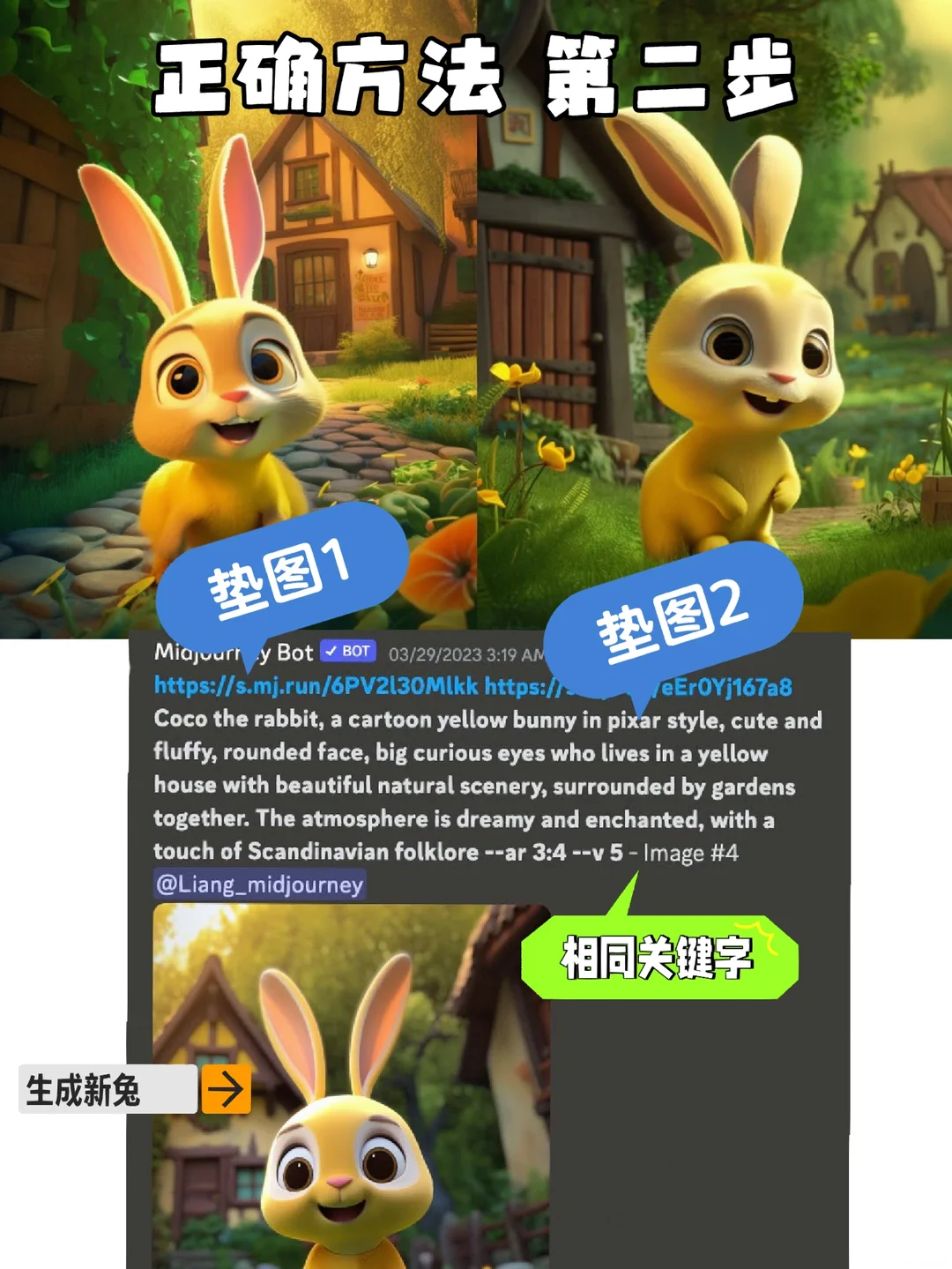
Once the character is set, the post keeps the original prompt structure and reference images, then changes only what the character is doing and where the scene happens.
  • Preserve the identity language from the base prompt.
  • Swap in new actions, camera framing, and scene setting one piece at a time.
  • Think like a storyboard artist: same actor, new shot.
Same Midjourney rabbit character shown across multiple new scene variations
The useful move here is not more adjectives. It is controlled scene swapping while the identity layer stays fixed.
3

Use prompt controls for small corrections, not full rescues

The source note treats Midjourney controls like fine-tuning knobs, not miracle fixes. Once the look is close, you can steer it with a few targeted edits.
  • Blend: useful when you want to transfer the same character into a different scene idea.
  • Multi-prompt weights: rebalance character versus environment emphasis.
  • --no: remove stubborn objects or visual clutter.
  • --chaos, --iw, remix, and stylize: use these for controlled variation, stronger reference pull, and cleaner iterations.
Midjourney prompt variation example used to refine a consistent character across scenes
Fine-tuning works best after the character already looks mostly right. If the base identity is weak, parameter tweaks just give you prettier drift.
4

Know where the method still gets messy

The note is candid about the limit: one character across many scenes is manageable; multiple characters in one scene can start swapping traits or drifting.

  • Use this method first for single-lead shorts, explainers, children’s-story visuals, or mascot-led sequences.
  • If you need several characters together, expect heavier manual selection and more retries.
  • For animation workflows, it is often smarter to lock the lead first and build supporting characters later.
Quick takeaways

Start with the face sheet, not the final movie

The shortest summary

Name the character. Make a tiny visual reference pack. Keep the identity prompt stable. Then move the character through scenes.

Best use

Picture-book animation, animated explainers, mascot sequences, or any AI video plan where the lead must still feel like the same person.

The practical truth

A clean character system upstream saves you from fixing random faces downstream.