
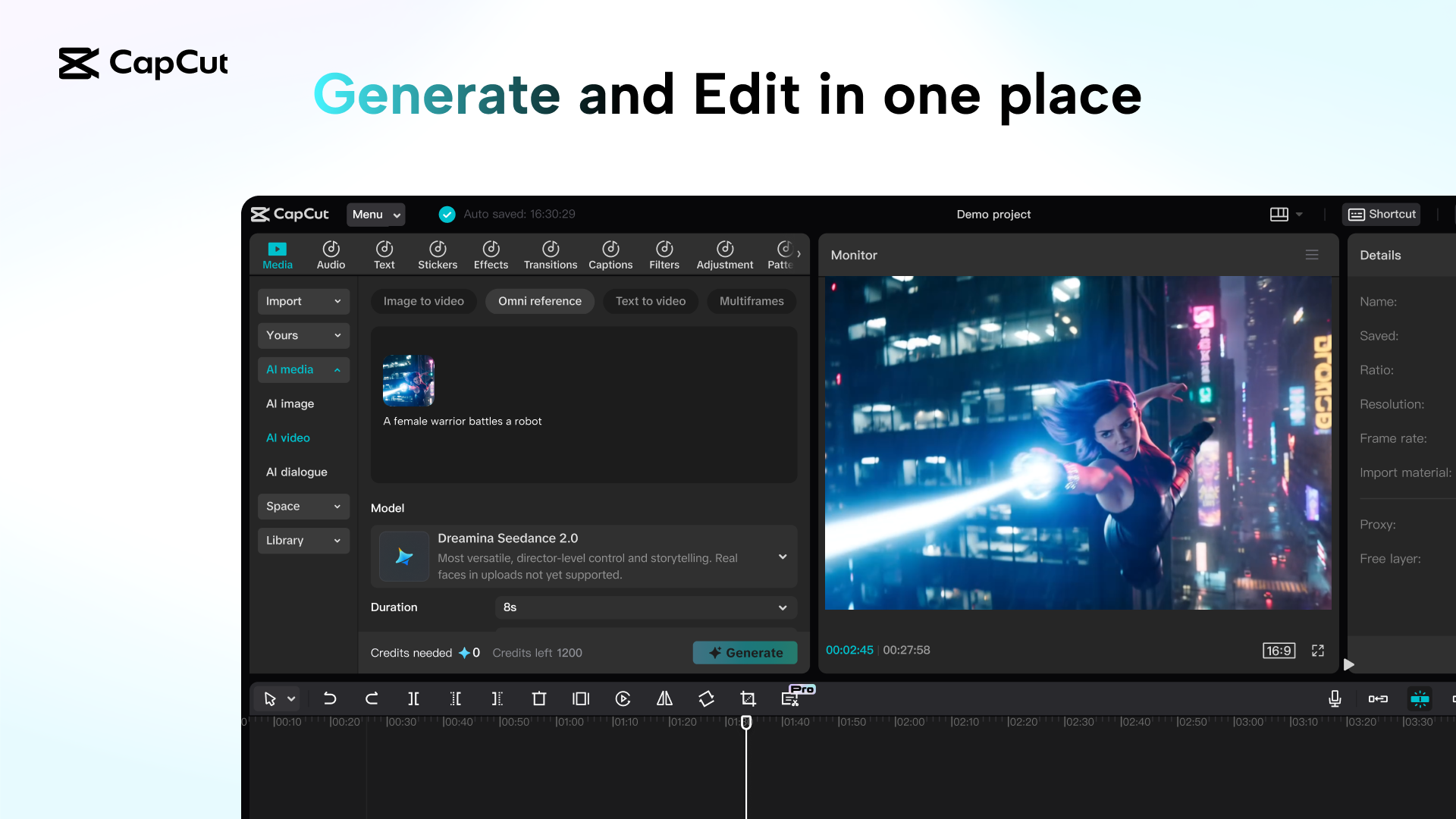
Creators are asking a workflow question, not a hype question
The Rednote discussion around Seedance 2.0 Mini is noticeably practical. The official teaser framed the launch around lower credit burn, faster generation, and pricing that could drop to under half the standard version. Creator-side posts focused on a different but related pain point: waiting too long for renders, paying too much to test ideas, and losing momentum once AI video turns into expensive trial-and-error.
That matches what the YouTube comparison wave is asking too. The titles are not “is this the smartest model ever?” They are closer to: how much cheaper is it, how much quality do you lose, and does that trade-off still make sense for real work?
Where Mini makes more sense than the full model
1. Cheap iteration beats careful hesitation
When each attempt costs less, you stop treating every prompt like a once-only shot. That alone can improve results because you test more versions instead of overthinking the first one.
2. Fast output matters for short-form work
Ecommerce clips, ad variants, and creator tests often care more about speed and quantity than about squeezing every last detail from one render.
3. Better for A/B workflows
If your job is to compare hooks, products, pacing, or opening scenes, the cheaper model can be the more useful model because it lets you run a wider decision set.
4. Easier to keep inside the edit loop
The closer generation sits to your editing environment, the easier it is to save winners, cut them down, caption them, and actually ship something.
Mini is not the answer to every quality problem
If you need the cleanest cinematic output, the strongest shot discipline, or the highest-end result for a showcase piece, the full version still has a more obvious case. Mini works best when your bottleneck is testing and throughput, not prestige quality.
- Use Mini first when you need more tries for the same budget.
- Use the full model when one clip really needs the best finish you can get.
- Treat Mini as the production sketchbook, not automatically as the final gallery print.
The strongest visual story is still comparison plus workflow
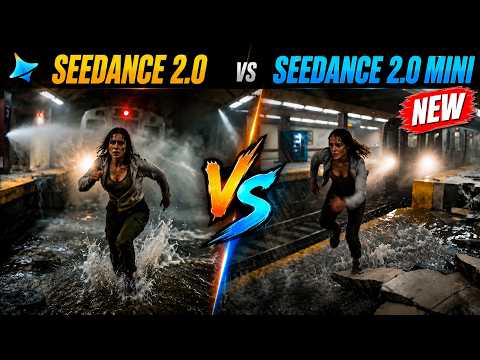
Does the lower price actually feel worth it?
This side-by-side video is useful because it centers the exact question most working creators have: if Seedance 2.0 Mini costs less, is the visible quality gap large enough to change your choice?
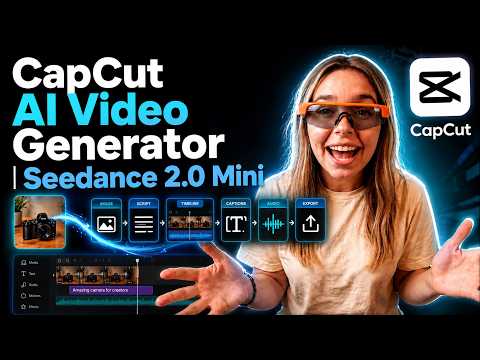
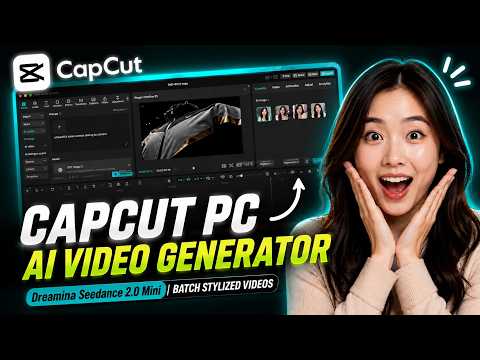
Mini looks strongest when it turns one asset into more output
This workflow example matters because it moves the conversation away from launch claims and into a real creator use case: take one product photo, make a video fast, and keep iterating without burning too much budget.
So, is Seedance 2.0 Mini worth using?
Yes — if your real goal is to make AI video a repeatable habit instead of an occasional experiment. The best case for Mini is not “it beats every premium model.” The best case is that it reduces the cost of trying, compares well enough to stay useful, and fits the kind of everyday workflow that creators actually keep running.
That makes it especially attractive for ecommerce, multi-version ad testing, social-first creator teams, and anyone who already has images or product assets ready to turn into clips. If you need one perfect hero render, reach higher. If you need a model you can afford to touch every day, Mini starts to look much more convincing.
What this post is grounded on
CapCut/Jianying framed Seedance 2.0 Mini around lower credit use, faster generation, and pricing that could come in at less than half the standard version.
The strongest creator-side theme was not abstract quality. It was batch production: ecommerce video, ad testing, and high-frequency content teams trying to lower cost and wait time.
This post made the pain point especially concrete: AI video takes too long, costs too much to test, and feels painful in marketing-heavy production cycles.
The comparison and tutorial wave is useful because it centers the real creator decision: is the price drop worth it, and does Mini still fit a workflow you can use every day?