
TikTok video dimensions: best size, aspect ratio, and upload specs (2026)
Short answer: make TikTok-first posts in 9:16 vertical. If you are quoting TikTok's own requirements, be precise: the TikTok Ads Manager "TikTok Auction In-Feed Ads" page, in the Non-Spark Ads dimensions section, lists 9:16, 16:9, and 1:1, while TikTok for Developers' media transfer guide separately lists the upload format and codec rules.

The direct answer
Best default for creators: 9:16 vertical.
What TikTok's own requirement pages say: the Non-Spark Ads section of TikTok Ads Manager's TikTok Auction In-Feed Ads page lists Vertical (recommended): 9:16, plus Horizontal: 16:9 and Square: 1:1.
Safest export path: TikTok for Developers lists MP4 (recommended) and H.264 (recommended), which is still the least-surprising creator workflow.
The key fix is to separate platform requirements from creator best practice. TikTok's own pages do list square and horizontal as supported in official contexts. But the square quote people keep repeating comes from the Ads Manager Non-Spark Ads requirements page — not from a general "square is best for TikTok" recommendation. If your real question is what feels native in the app, the answer is still vertical.
So this page does two things on purpose: it quotes TikTok's requirement language directly, and then it translates that into the practical choice a creator actually needs to make.
Official links: TikTok Auction In-Feed Ads · TikTok for Developers media transfer guide
1. The exact TikTok requirement quotes
If you want to be strict about platform requirements, these are the lines worth quoting from TikTok's own pages.
Vertical (recommended): 9:16, more than or equal to 540*960px. Horizontal: 16:9, more than or equal to 960*540px. Square: 1:1, more than or equal to 640*640px.
This is where the square claim comes from. It is not a generic creator recommendation. It is the wording TikTok uses on its Ads Manager requirements page. Official source.
MP4 (recommended),WebM,MOV
H.264 (recommended),H.265,VP8,VP9
This is the cleaner source for upload format and codec guidance. Official source.
Minimum of 23 FPS
Maximum of 60 FPS
Maximum of 4096 pixels for both height and width
All TikTok creators can post 3-minute videos, while some have access to post 5-minute or 10-minute videos.
Use this page when you need the official technical ceiling, not just the aspect-ratio guidance. Official source.
2. The best TikTok size for most creators
If you want one answer you can use every day, use 9:16 vertical video. TikTok's own requirements page labels vertical as recommended, and that lines up with the way normal TikTok posts are actually consumed in the app.
The practical rule: quote TikTok's requirements accurately, but still design TikTok-first content for a tall phone screen. The platform can accept more than one shape. That does not mean every shape is equally native.
That is the distinction many spec roundups miss. Supported is not the same as best. Square and landscape may pass requirements, but vertical usually wins the feed.
3. How the different shapes look inside a TikTok-style feed
The easiest way to understand the requirements is to put them back in app context. Same platform. Different feeling.

9:16 vertical
This uses the screen properly, keeps the subject large, and matches what people expect when they scroll the app.
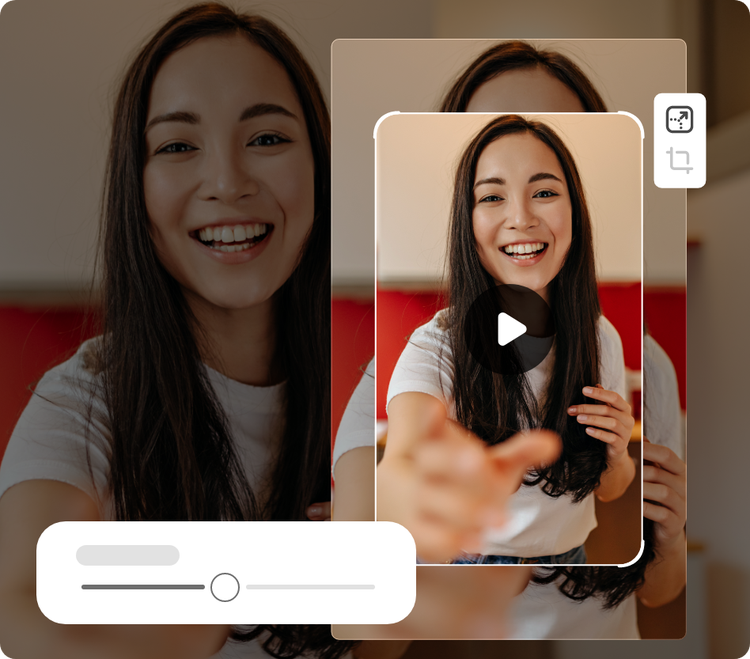
1:1 square
Yes, TikTok's Ads requirements page lists it. But in a vertical app context it gives up a lot of screen space compared with a true 9:16 post.
16:9 horizontal
Technically valid. Visually it usually feels like footage from another platform that never got reframed for TikTok. That is the real cost.
| Shape | What TikTok's requirement page says | Minimum dimensions quoted | Creator takeaway |
|---|---|---|---|
| 9:16 | "Vertical (recommended)" | 540×960+ | The best native TikTok choice |
| 1:1 | "Square" | 640×640+ | Officially listed, but weaker than vertical in the app |
| 16:9 | "Horizontal" | 960×540+ | Supported, but most likely to look repurposed |
4. Formats, codecs, frame rate, size, and duration
For technical upload requirements, the better source is TikTok for Developers. These are the numbers and phrases that matter most for creators.
Official wording: MP4 (recommended), plus WebM and MOV.
Plain English: if you just want clean, normal upload behavior, export MP4.
Official wording: H.264 (recommended), plus H.265, VP8, and VP9.
Plain English: choose H.264 unless you have a very specific reason not to.
Official wording: minimum 23 FPS, maximum 60 FPS, and maximum 4096 pixels for both height and width.
Plain English: a standard creator export is already inside the safe zone.
| Spec | Official TikTok wording |
|---|---|
| Supported video formats | MP4 (recommended), WebM, MOV |
| Supported codecs | H.264 (recommended), H.265, VP8, VP9 |
| Frame rate | Minimum of 23 FPS · Maximum of 60 FPS |
| Picture size | Maximum of 4096 pixels for both height and width |
| Video size | Maximum of 4 GB |
| Duration | All TikTok creators can post 3-minute videos, while some have access to post 5-minute or 10-minute videos. |
Safest creator export recipe: 9:16 vertical, MP4, H.264, normal frame rates, and a file size nowhere near the upper ceiling. That is the easy, boring, reliable path — which is usually the right one.
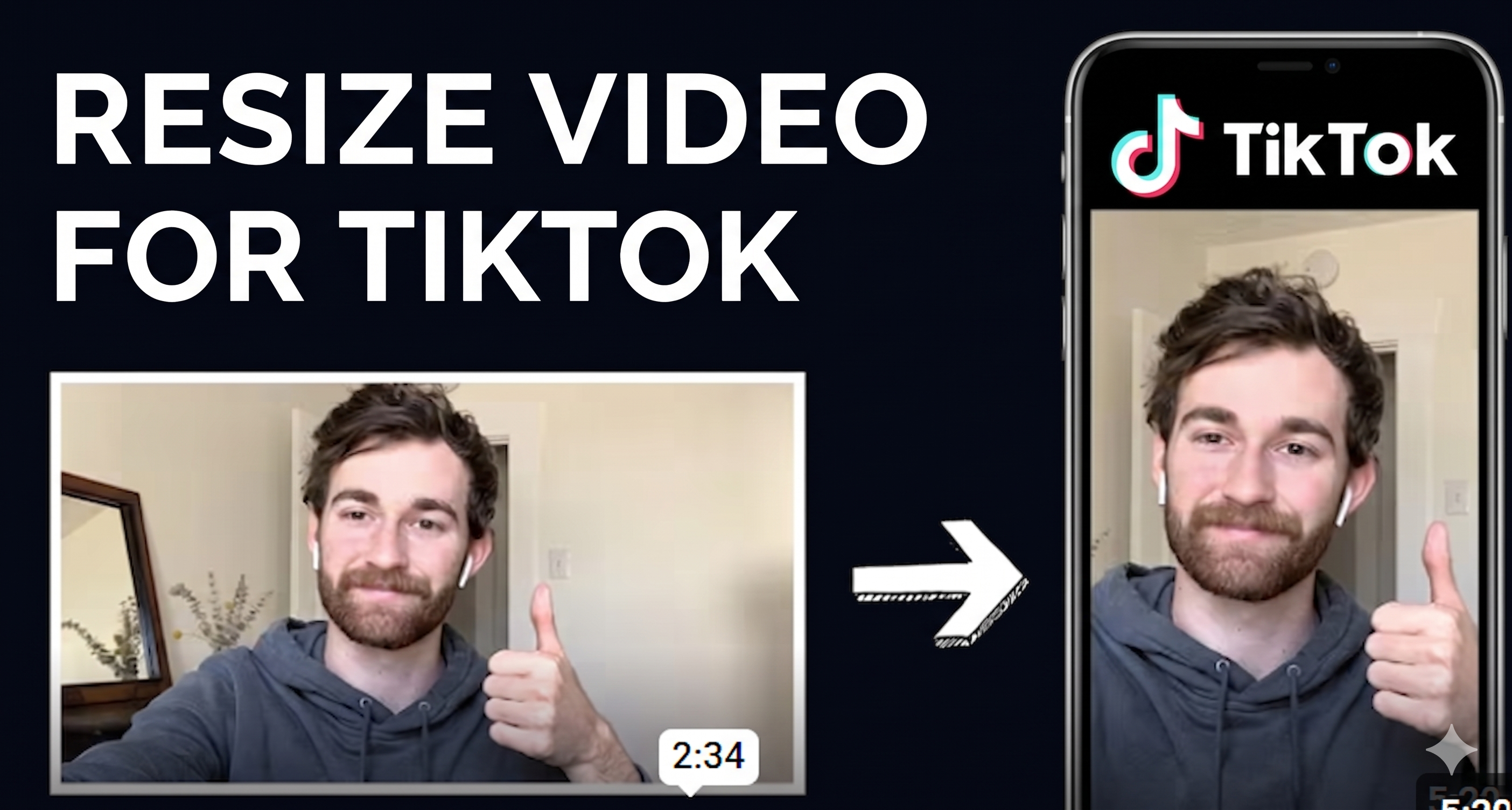
5. A quick video on resizing for TikTok
If you want one fast visual example instead of another spec paragraph, this short YouTube walkthrough is a better fit. It shows the practical move that matters most here: taking a horizontal clip, switching it to a vertical TikTok canvas, and adjusting the framing so the aspect ratio actually works in feed.
6. The creator shortcut
If the video is TikTok-first
Plan, frame, and export in 9:16. Do not begin with a YouTube canvas unless you already know you are making a repurpose version.
If you must reuse landscape footage
Decide whether the clip is important enough to reframe or expand for vertical. Most of the time, it is. Otherwise it will feel borrowed from another platform.
If you need the low-risk export
Use MP4 + H.264. It is not fancy, but it matches TikTok's own recommended wording and removes unnecessary upload friction.
7. FAQ
Does TikTok really accept square video?
Yes — in TikTok's own Auction In-Feed Ads requirements page. The wording is: Square: 1:1, more than or equal to 640*640px. That is why this page includes square. The better creator choice for normal posts is still 9:16.
What is the best TikTok aspect ratio?
9:16 vertical. TikTok's requirement page literally labels vertical as recommended, and it matches how people view posts in the app.
Can I upload 16:9 landscape video to TikTok?
Yes. TikTok's requirement page lists horizontal as supported at 960×540 or larger. But it usually looks less native in a vertical feed.
What file format is safest for TikTok uploads?
MP4 with H.264. TikTok for Developers marks both as recommended, which is the cleanest answer if you want the low-risk export path.
How long can a TikTok video be?
According to TikTok for Developers: All TikTok creators can post 3-minute videos, while some have access to post 5-minute or 10-minute videos.
Sources
TikTok Ads Manager: TikTok Auction In-Feed Ads — used here for the quoted Non-Spark Ads dimensions wording: Vertical (recommended): 9:16, Horizontal: 16:9, and Square: 1:1 with the listed minimum dimensions.
TikTok for Developers: Media Transfer Guide — used here for the quoted upload specs including MP4 (recommended), H.264 (recommended), frame-rate limits, pixel limits, and duration wording.
Embedded reference Short: What are TikTok safe zones? TikTok Dimensions Explained 2023 — included as a quick creator-friendly visual companion, not as the official source of record.